
Poco Downloads
Browse indexed download hubs for 59 Poco devices.
Select Device Model
Select your Poco smartphone model below to access device-specific firmware, drivers, and recovery packages:
POCO C40
POCO C51
POCO C55
POCO C65
POCO C71
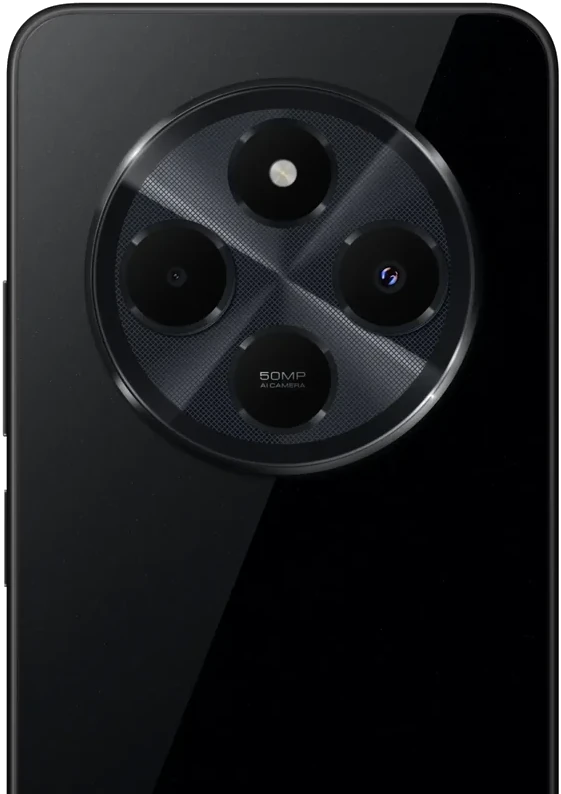
POCO C75
POCO C85
POCO F2 Pro
POCO F3
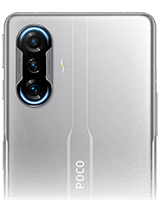
POCO F3 GT
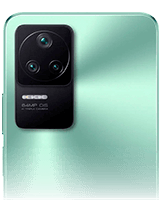
POCO F4
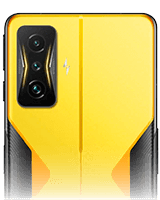
POCO F4 GT
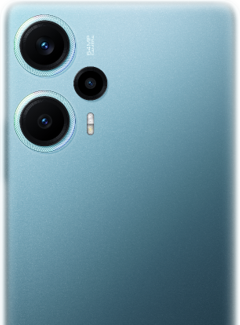
POCO F5
POCO F5 Pro
POCO F6
POCO F6 Pro
POCO F7

POCO F7 Pro

POCO F7 Ultra
POCO F8 Pro
POCO F8 Ultra
POCO F9 Pro
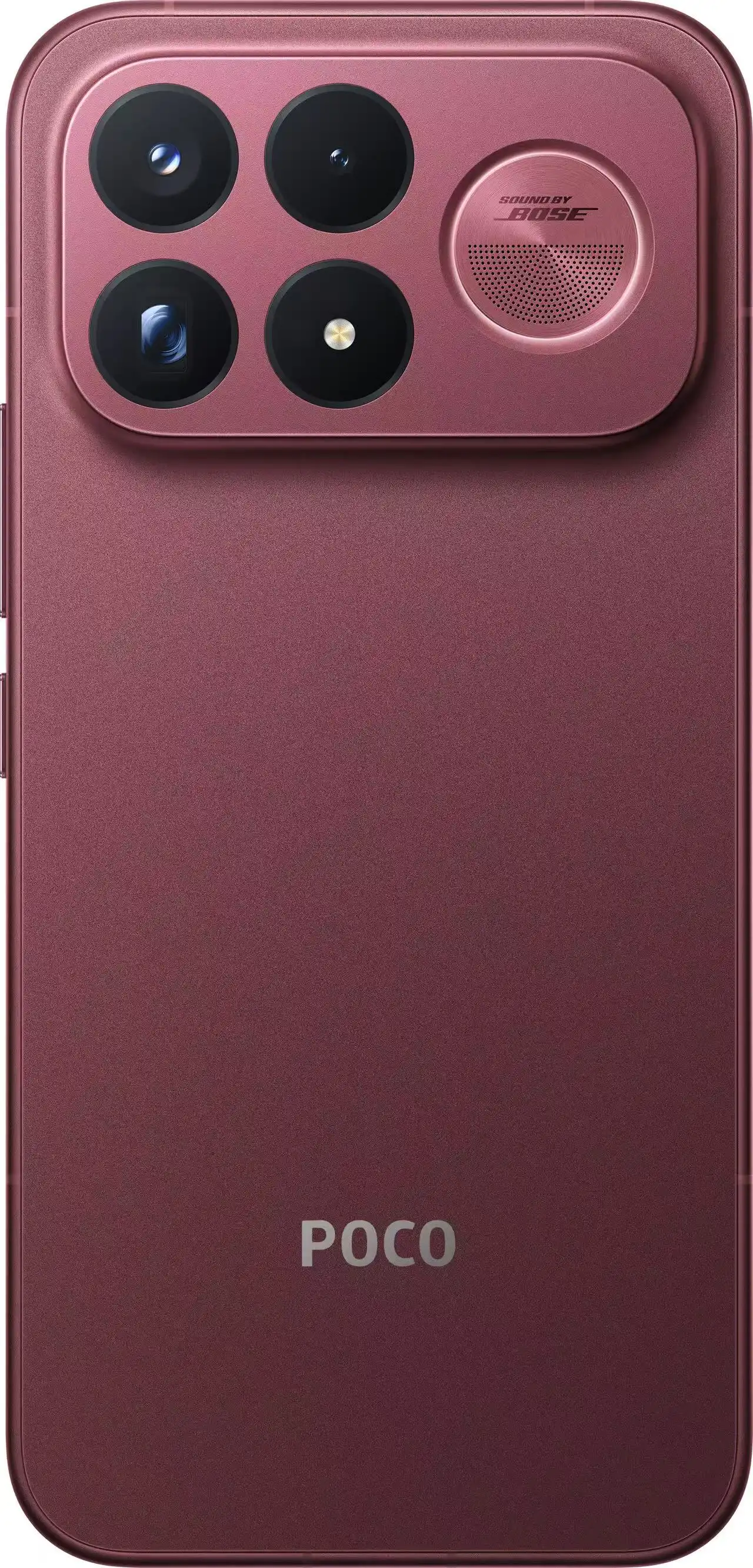
POCO F9 Ultra
POCO M2 Pro
POCO M3
POCO M3 Pro
POCO M3 Pro 5G
POCO M4 5G
POCO M4 Pro
POCO M4 Pro 5G
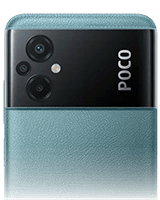
POCO M5
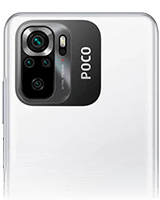
POCO M5s
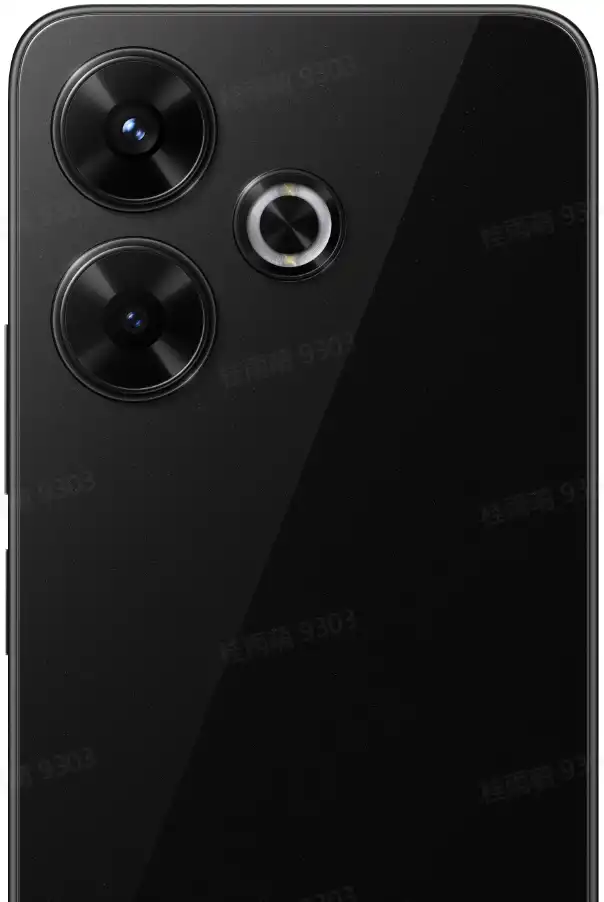
POCO M6
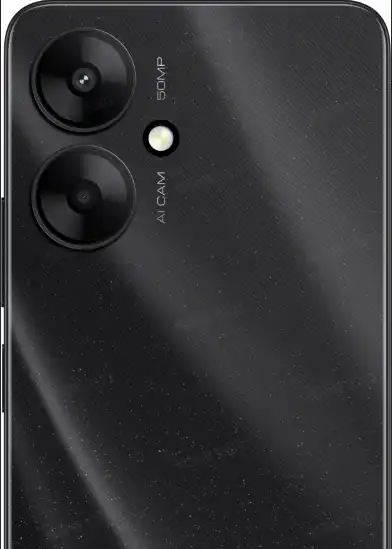
POCO M6 5G
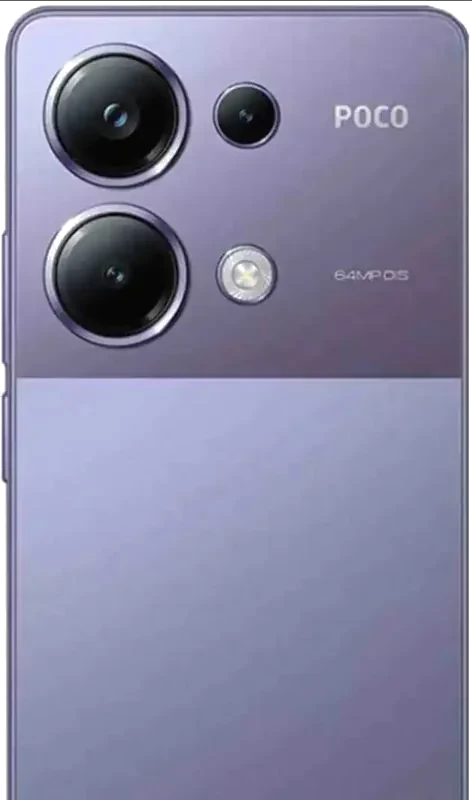
POCO M6 Pro
POCO M7
POCO M7 Pro 5G
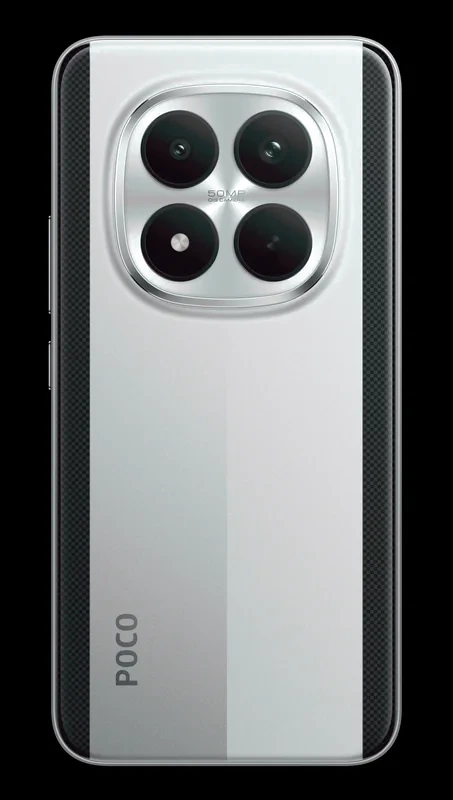
POCO M8 5G
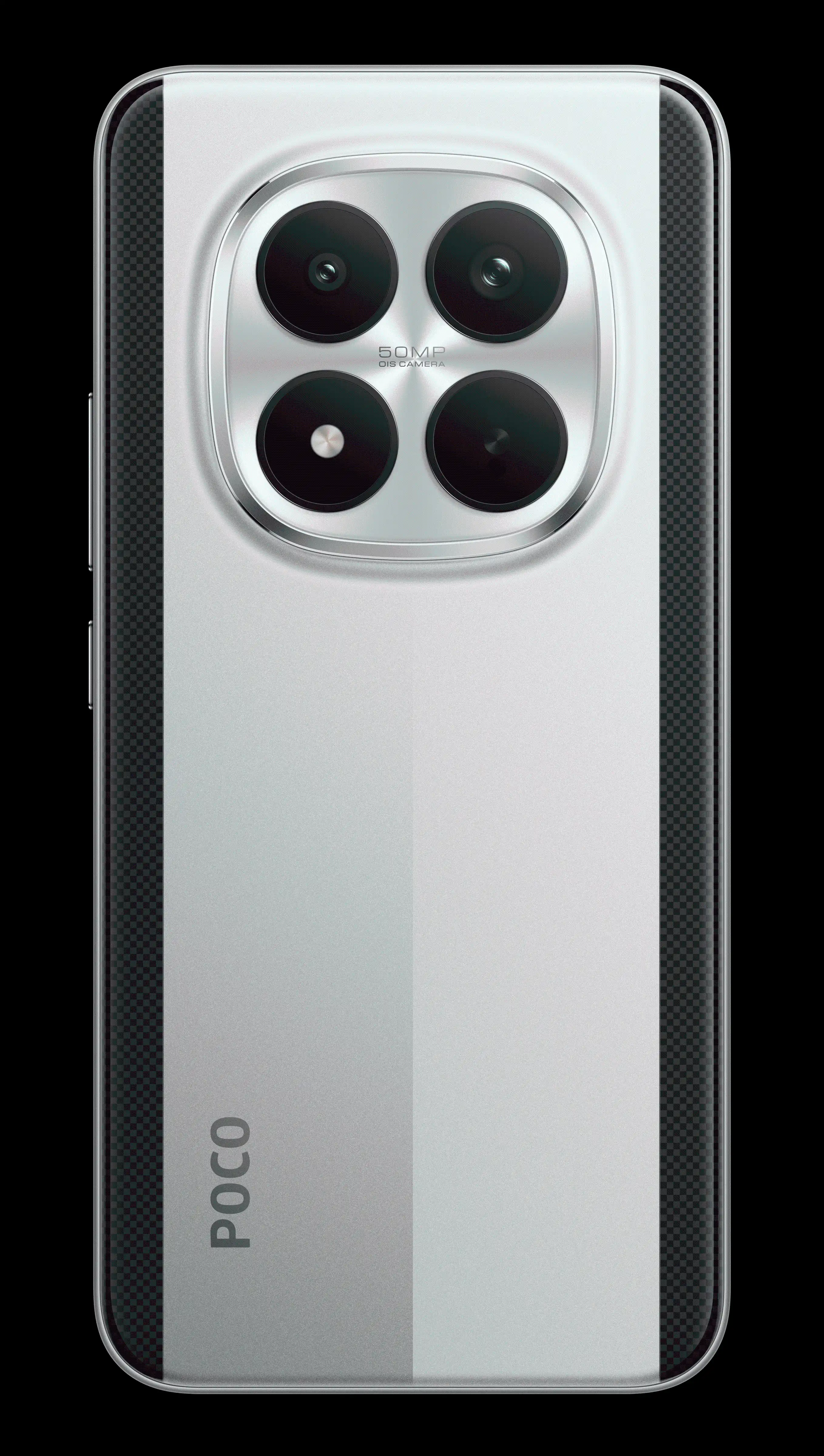
POCO M8 Pro 5G
POCO M8s 5G
POCO Pad
POCO Pad 5G

POCO Pad C1
POCO X2

POCO X3 GT
POCO X3 NFC
POCO X3 Pro
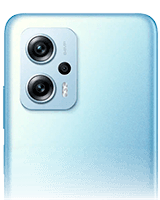
POCO X4 GT
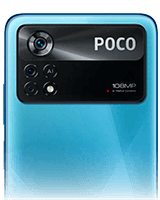
POCO X4 Pro 5G
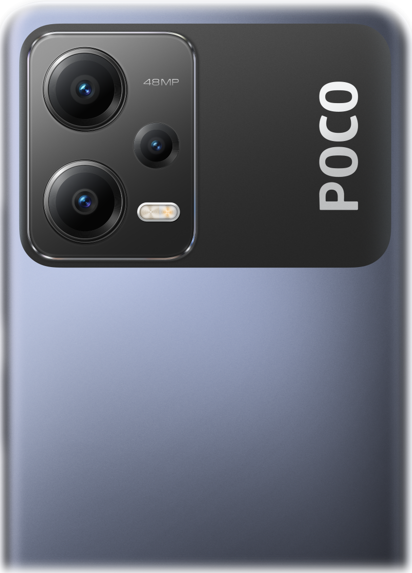
POCO X5 5G
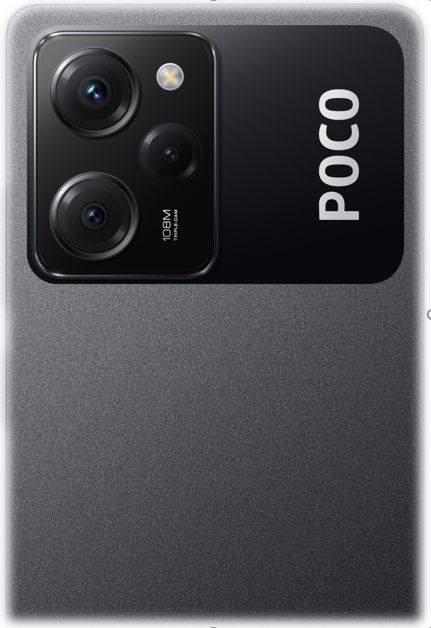
POCO X5 Pro 5G
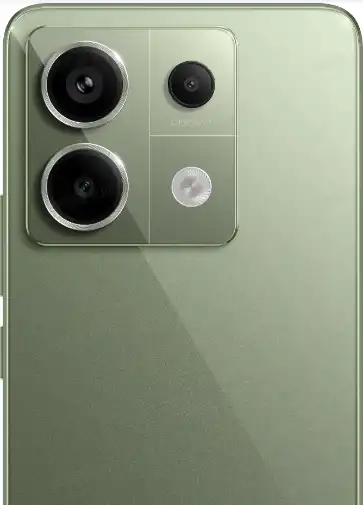
POCO X6 5G
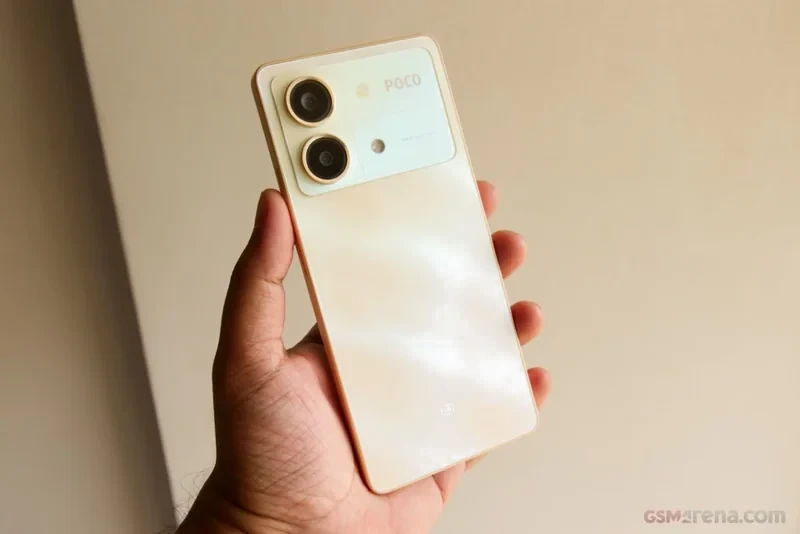
POCO X6 Neo 5G
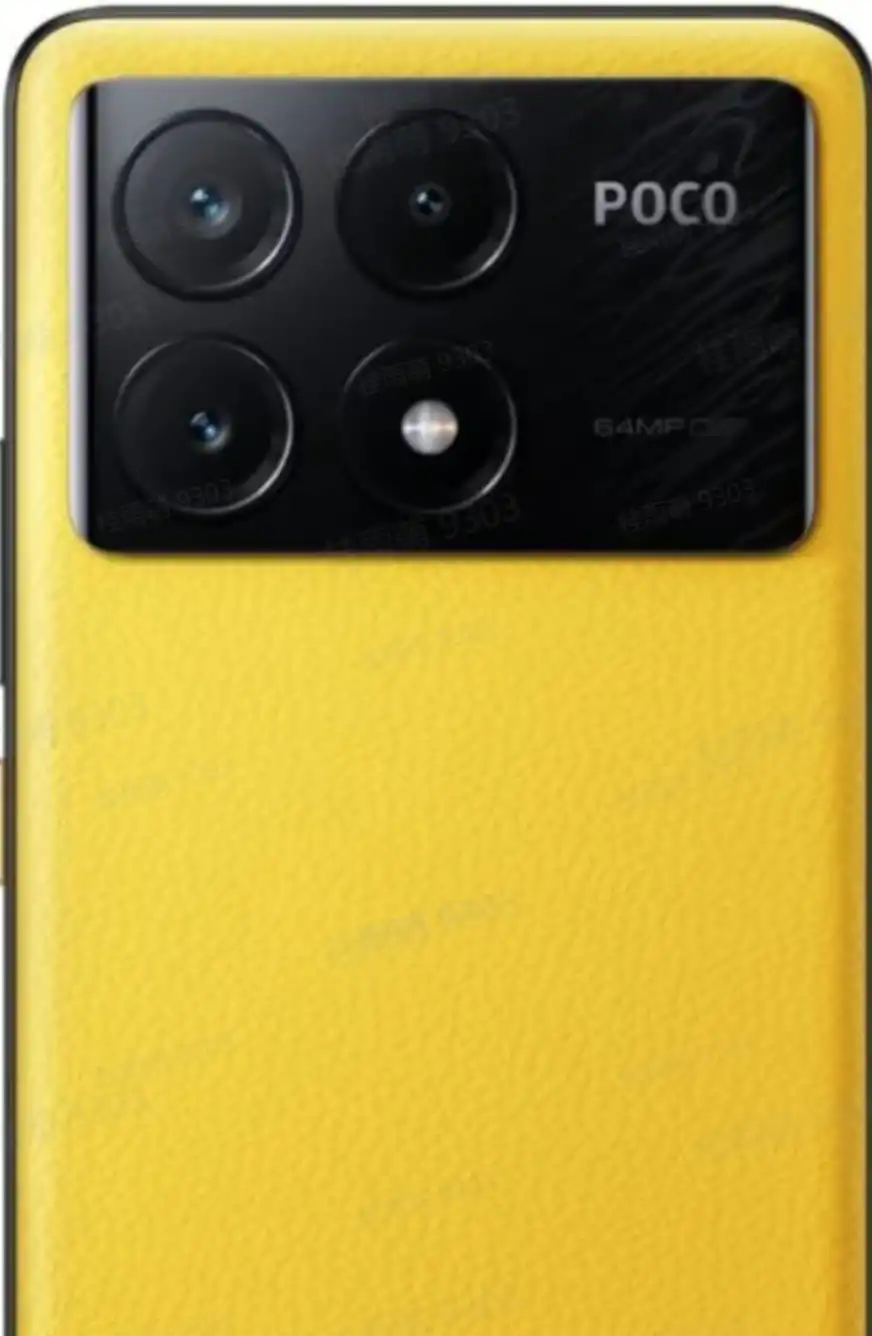
POCO X6 PRO 5G
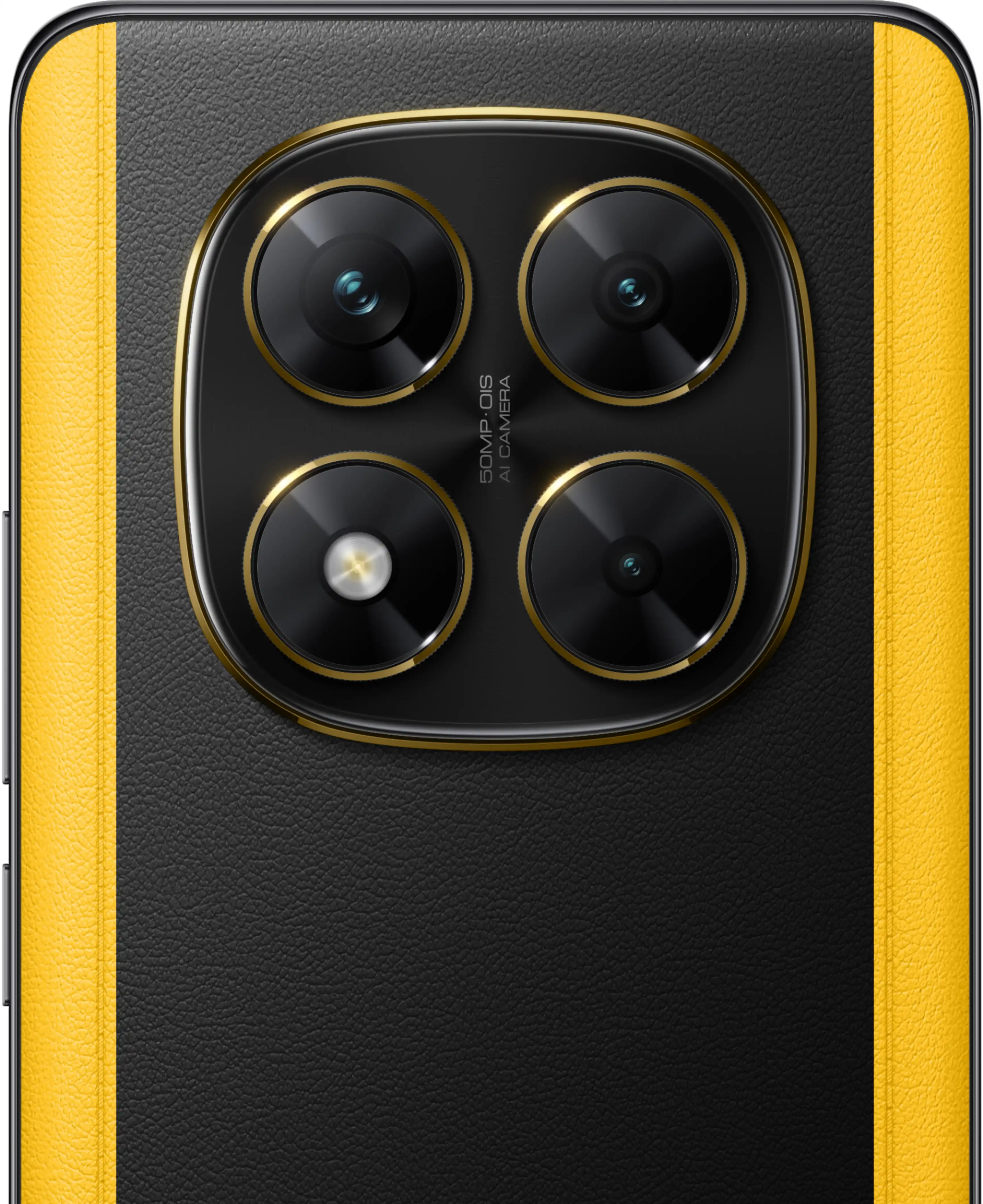
POCO X7
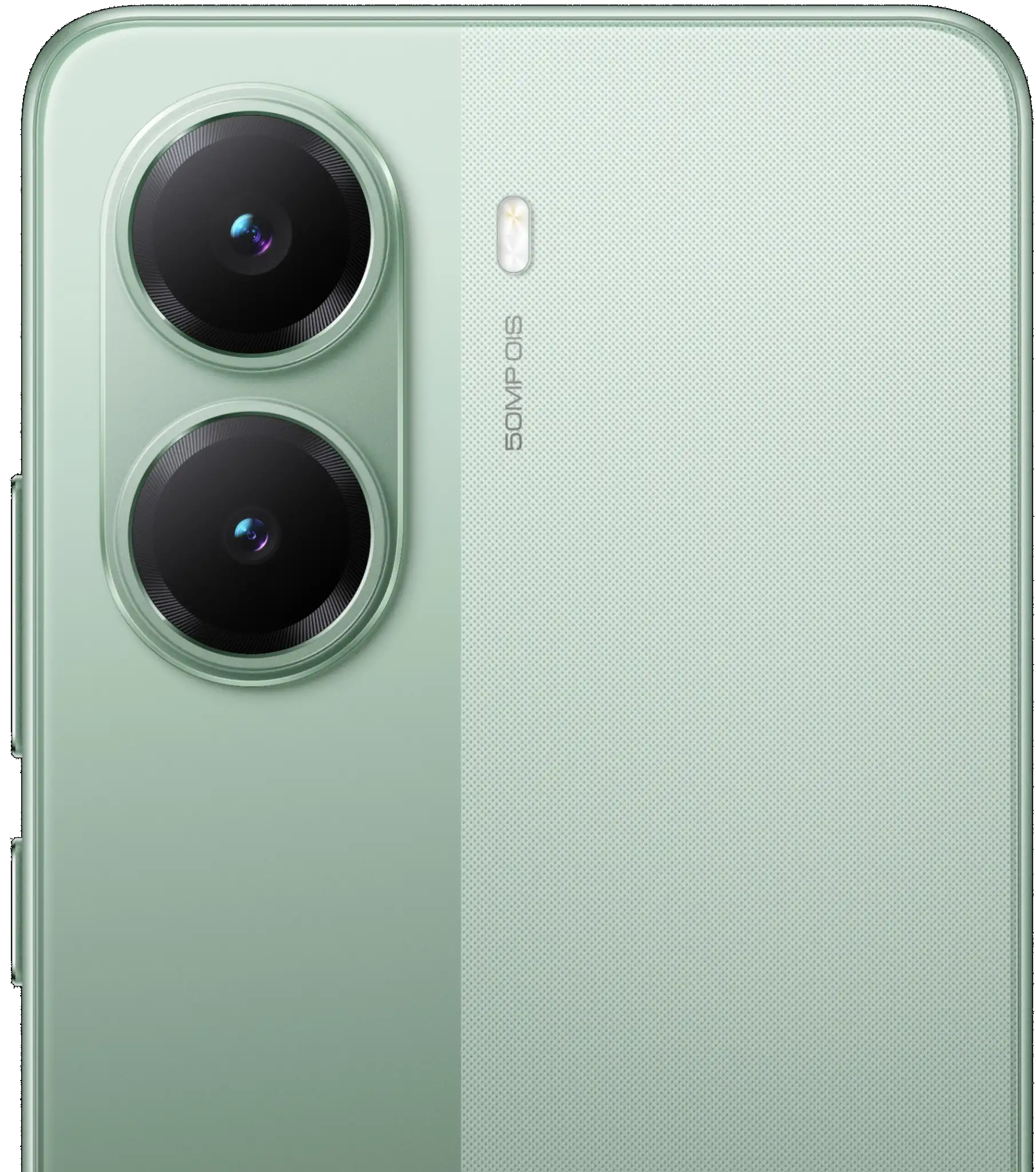
POCO X7 Pro
POCO X8
POCO X8 Pro
POCO X8 Pro Max
⚡ POCO Performance Ecosystem & Customization Stack
POCO operates as a performance-driven smartphone brand oriented toward tech enthusiasts, power users, and gamers. The lineup is structured into four specialized tiers: the flagship-killer POCO F-series (e.g., F6 Pro, F5, F4, F3), the upper-midrange gaming POCO X-series (e.g., X6 Pro, X5 Pro), the budget performance POCO M-series (e.g., M6 Pro, M5), and the accessible entry-level POCO C-series. POCO devices combine high-tier silicon with specialized thermal dissipation and customized software optimizations.
🎮 POCO Launcher & WildBoost Optimization
POCO devices run a tailored version of HyperOS / MIUI featuring the POCO Launcher subsystem. This launcher includes an automated app category drawer, custom icon pack integration, and reduced animation latencies. Gaming models incorporate WildBoost software tuning, which overrides conservative thermal throttling during extended gaming sessions.
🔧 Thermal Architecture & Hardware vs Software Triage
Certain legacy POCO models (such as the POCO X3 Pro and POCO M3) exhibit hardware-level thermal fatigue over time (e.g., CPU/RAM solder fatigue or PMIC capacitor failure). Before flashing firmware to resolve bootloop issues, determine whether the device enters Fastboot mode (Power + Volume Down). If the device cannot enter Fastboot mode or is unrecognized via USB, the root cause is hardware failure rather than a software brick. In such cases, check your coverage via the POCO Warranty Check portal (extended warranties apply to specific batches) or inspect out-of-warranty motherboard pricing on the POCO spare parts price list before scheduling a visit to an authorized POCO service center.
🔓 Developer Culture & Returning to 100% Stock OEM Firmware
POCO has historically embraced the open-source custom ROM community (AOSP, LineageOS, PixelOS, Paranoid Android), providing prompt kernel source code releases. When restoring an unlocked POCO device from a custom ROM back to factory OEM condition:
- Full Partition Overwrite: Always flash the stock Fastboot ROM (.tgz) via Mi Flash Tool using "clean all" to completely rebuild the
super,boot,vendor_boot, anddtbopartitions. - Format Data in Stock Recovery: After flashing a major Android version downgrade, boot into stock Mi Recovery (Power + Volume Up) and execute "Wipe All Data" to prevent decryption loops caused by stale userdata cryptographic keys.
- Relocking Bootloader Safely: Only select "clean all and lock" if you are restoring the original factory firmware that shipped with your specific regional hardware (e.g., Global hardware to Global MIXM ROM).
Frequently Asked Questions about POCO Firmware & Updates
Can I install standard Xiaomi HyperOS on my POCO phone?
POCO firmware is built on Xiaomi HyperOS but includes the POCO Launcher framework and POCO performance tuning profiles. You should always download and flash the designated POCO firmware release for your model to maintain cellular baseband, camera calibration, and Game Turbo functionality.
How do I restore my POCO phone from a custom ROM back to stock factory software?
Download the verified stock Fastboot ROM (.tgz) for your POCO model, decompress it using 7-Zip, boot the phone into Fastboot mode (Power + Volume Down), connect to PC, load the extracted folder into Mi Flash Tool, select "clean all", and click Flash. This fully restores all stock OEM partition images.
What is the difference between POCO Global and POCO India firmware?
POCO Global firmware (MIXM) complies with international standards, includes complete Google Mobile Services (GMS), and supports international cellular bands. POCO India firmware (INXM) is tailored for the Indian market, featuring local cellular carrier optimizations (carrier aggregation, VoNR) and regional compliance requirements.
Official POCO Service & Warranty Resources
Need hardware diagnostics, warranty validation, out-of-warranty spare parts pricing, or authorized walk-in support in India?
Looking for a different brand? Browse all brands