
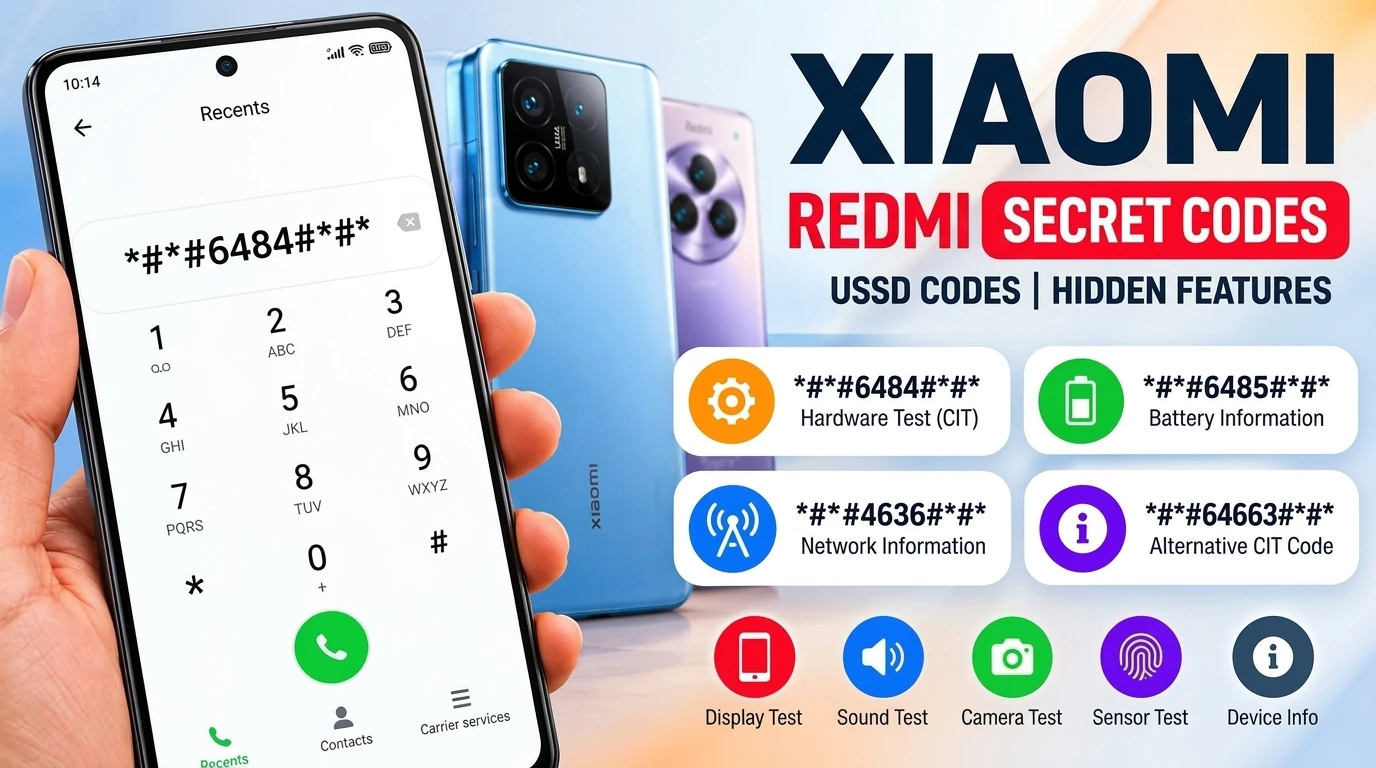
Xiaomi & Redmi Secret Codes: Complete Working List (HyperOS & MIUI)
Access CIT hardware diagnostics, inspect live battery health cycles, enable VoLTE / VoWiFi, and test device sensors without root or third-party apps.
Xiaomi and Redmi phones run on deep, feature-rich firmware (Xiaomi HyperOS and MIUI). Hidden beneath the surface is a full suite of dialer shortcuts—commonly known as Xiaomi secret codes, Mi secret codes, or Redmi hidden codes. These secret codes are also known as the USSD codes.
Whether you want to inspect a second-hand phone before buying, diagnose a malfunctioning proximity sensor, or unlock hidden 5G and VoLTE switches, these codes send direct instructions to your phone’s diagnostic firmware.
1. Xiaomi & Redmi-Specific Codes (HyperOS & MIUI)
These codes are native to Xiaomi’s proprietary software. They work on Xiaomi flagships, Mi series, and Redmi phones running official HyperOS or MIUI ROMs.
| Dialer Code | Primary Function | What It Does / Feature Unlocked | Compatibility |
|---|---|---|---|
*#*#6484#*#* | CIT Hardware Test Menu | Comprehensive hardware testing suite (screen, touch, speaker, mic, optical sensors, vibration, camera). | All Models |
*#*#64663#*#* | Alternative CIT (QC Test) | Secondary hardware testing trigger (spells MI_QC on the keypad). | Most Models |
*#66*# | Legacy Hardware Check | Quick hardware verification menu on select regional factory builds. | Select Builds |
*#*#6485#*#* | Battery Health & Cycles | Real-time battery metrics: charge cycle count (MF_02), health status (MB_06), and capacity values. | HyperOS / MIUI |
*#*#284#*#* | System Bug Report | Automatically dumps system diagnostic logs into a .zip archive in internal storage. | All Models |
*#*#86583#*#* | VoLTE Carrier Check | Toggles carrier restriction off/on to unhide the “Use VoLTE” switch in SIM Card settings. | All Models |
*#*#869434#*#* | VoWiFi Carrier Check | Toggles carrier restriction to reveal the “Make calls using Wi-Fi” switch in settings. | All Models |
*#*#8667#*#* | VoNR (5G Calling) Check | Enables or disables Voice over New Radio (5G voice calls) carrier check. | 5G Xiaomi / Redmi |
*#*#726633#*#* | 5G SA Switch Toggle | Forces visibility of the 5G Standalone (SA) toggle in Mobile Network preferences. | 5G Xiaomi / Redmi |
2. Universal Android, Telephony & USSD Codes
These universal Android and GSM codes function identically across Android smartphones, including Xiaomi and Redmi devices. They are useful for checking hardware registration, verifying radiation standards, or managing call forwarding.
| Code | Feature | Type | Action / Information Returned |
|---|---|---|---|
*#06# | Check IMEI & SN | Universal GSM | Displays IMEI 1, IMEI 2, MEID, and device serial number immediately on-screen. |
*#07# | SAR & Regulatory Info | Compliance | Displays RF exposure (SAR levels) and regional certifications (FCC, CE, BIS). |
*#*#4636#*#* | Android Testing Menu | Android Diagnostic | Cellular signal strength in negative dBm, network preference selector, Wi-Fi metrics. |
*#*#426#*#* | FCM Diagnostics | Google Play Services | Inspects Firebase Cloud Messaging status and incoming push notification logs. |
*#*#225#*#* | Calendar Storage Info | System Info | Displays the total number of synced calendar events and accounts on the device. |
*#21# | Call Forwarding (All) | Telephony MMI | Queries whether unconditional call, SMS, or data forwarding is enabled. |
*#67# | Forwarding When Busy | Telephony MMI | Checks which phone number receives calls when your line is busy or rejected. |
*#61# | Forwarding Unanswered | Telephony MMI | Displays active forwarding destinations when you fail to pick up incoming calls. |
*#62# | Forwarding Unreachable | Telephony MMI | Checks where calls route when the phone is switched off or out of reception. |
##002# | Erase All Forwarding | Telephony MMI | Master wipe: deactivates and unbinds every conditional/unconditional forwarding rule. |
*#43# | Call Waiting Status | Telephony MMI | Checks whether your SIM card alerts you to second incoming calls. |
*#31# | Caller ID Visibility | Telephony MMI | Checks if your phone number is configured as anonymous/hidden on outbound calls. |
In-Depth Look: The Most Useful Xiaomi Diagnostic Codes
1. *#*#6484#*#* — Hardware CIT Diagnostic Mode
The CIT (Control Info Terminal) suite is the single most valuable diagnostic menu on Xiaomi and Redmi smartphones.
What you can test in CIT Mode:
- Screen & Multi-Touch: Identify dead pixels and test touch grid responsiveness.
- Proximity Sensor: Calibrate the sensor so your screen won’t turn on during phone calls.
- Audio Verification: Independently test top earpiece, main speaker, and dual microphones.
- Cameras & Flash: Test autofocus, telephoto lenses, ultra-wide sensors, and selfie flash.
- Vibration & Biometrics: Test the haptic motor and optical or side-mounted fingerprint reader.
2. *#*#6485#*#* — Check Battery Health & Cycle Count
Unlike iPhones, Xiaomi devices do not display a straightforward “Maximum Capacity” percentage in settings. However, dialing *#*#6485#*#* pulls exact operational metrics directly from the battery management system:
How to Read the Battery Info Screen:
MB_06Battery Health Status. Should read “Good”.
MF_02Total full charge cycles completed from 0 to 100%.
MF_05Current estimated capacity (in mAh).
MF_06Factory design capacity from the factory (in mAh).
MF_05 and MF_06, calculate remaining health by dividing (MF_05 ÷ MF_06) × 100.3. VoLTE, VoWiFi & 5G VoNR Carrier Bypass Codes
When inserting a SIM card from an uncertified carrier, Xiaomi’s software often hides the high-definition voice calling toggles.
- VoLTE Code (
*#*#86583#*#*): Triggers"VoLTE carrier check was disabled". Head to Settings → Mobile networks → SIM card to toggle VoLTE on. - VoWiFi Code (
*#*#869434#*#*): Triggers"VoWiFi carrier check was disabled". Makes the Wi-Fi Calling option visible. - VoNR 5G Voice Code (
*#*#8667#*#*): Enables or disables the carrier restriction on Voice over New Radio (5G Calling) on compatible 5G devices.
How to Open CIT Diagnostics Without Any Code
If you are using a Global or European Xiaomi/Redmi device running the Google Phone app, secret codes typed in the dialer may not trigger diagnostic screens.
Use this native Settings shortcut instead:
Access Hardware Diagnostics via Settings:
Safety & Warning: Codes You Should Avoid
⚠️ Important Safety Warning
Beware of unverified codes online claiming to “boost speed” or “bypass locks”. Specifically:
- Do not enter factory wipe codes like
*2767*3855#or*#*#7780#*#*, as they may format your internal storage without asking for confirmation. - Do not change unknown settings in the
*#*#4636#*#*testing menu (such as disabling Mobile Radio Power or forcing unsupported radio bands), as this can disable your cellular connectivity.
Frequently Asked Questions (FAQ)
1. What is the main secret code for Xiaomi and Redmi phones?
The main Xiaomi hardware diagnostic code is ##6484##. It opens the CIT hardware detection menu on supported Xiaomi and Redmi phones.
2. What is the Xiaomi CIT code used for?
The Xiaomi CIT menu is used to test different hardware components, including the display, touchscreen, speakers, microphone, cameras, sensors and other device components.
3. What should I do if ##6484## does not work?
Try ##64663##. On some Xiaomi models, #66# may also open the hardware detection menu. You can also use the Kernel version option in Settings to access CIT mode.
4. How can I open Xiaomi CIT mode without using a secret code?
Go to Settings > About phone > Detailed info and specs > Kernel version and tap Kernel version repeatedly. The exact menu path and number of taps may vary between Xiaomi models and software versions.
5. Do Xiaomi secret codes work on HyperOS?
Some Xiaomi secret and diagnostic codes work on HyperOS, but availability depends on the device, region, dialer app and software version. The CIT hardware detection code ##6484## is supported on many Xiaomi devices.
6. What is the Xiaomi battery information code?
The code ##6485## can open the battery information menu on supported Xiaomi phones. The information displayed can vary by model and software version, so it should not be considered a universal battery health test.
7. What is the Xiaomi network information code?
The code ##4636## can open Android’s phone and network information menu on supported Xiaomi devices. The available information and options may vary depending on the phone and software version.
8. Why does a Xiaomi secret code do nothing when I enter it?
A secret code may not work because it is unsupported on your model, restricted by the software version, or handled differently by the installed dialer app. If a CIT code does not work, try the Kernel version method in Settings instead.
9. Are Xiaomi secret codes safe to use?
Most diagnostic and information codes are intended for testing hardware or viewing device information. However, some hidden codes can change system or network settings. Avoid using unfamiliar codes that perform resets or modify important settings unless you understand their purpose.
10. Can Xiaomi secret codes bypass FRP or Mi Account locks?
No. Legitimate Xiaomi diagnostic and dialer codes cannot bypass Google FRP or Xiaomi Account/Mi Cloud activation locks. Codes advertised online as universal FRP or Mi Account bypass codes should not be treated as official Xiaomi diagnostic codes.
Quick Cheat Sheet for Xiaomi & Redmi Users
Bookmark these essential shortcuts on your device: