
Redmi Downloads
Browse indexed download hubs for 89 Redmi devices.
Select Device Model
Select your Redmi smartphone model below to access device-specific firmware, drivers, and recovery packages:
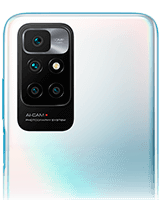
Redmi 10
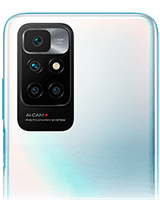
Redmi 10 2022
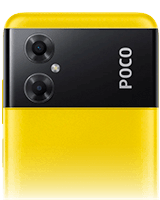
Redmi 10 5G
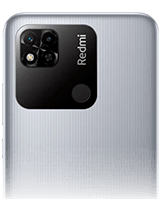
Redmi 10A
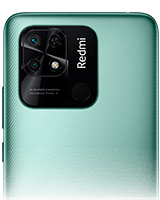
Redmi 10C
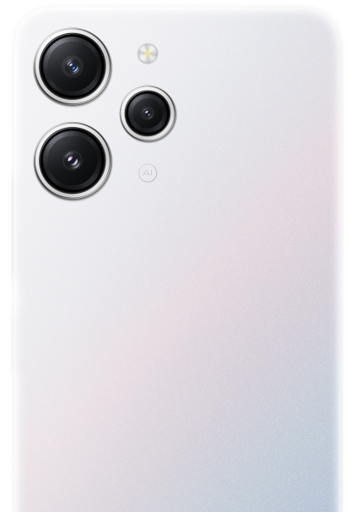
Redmi 12
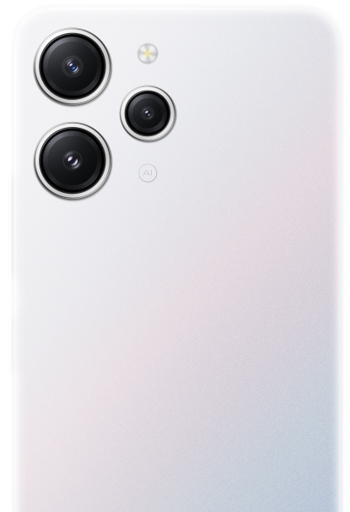
Redmi 12 5G
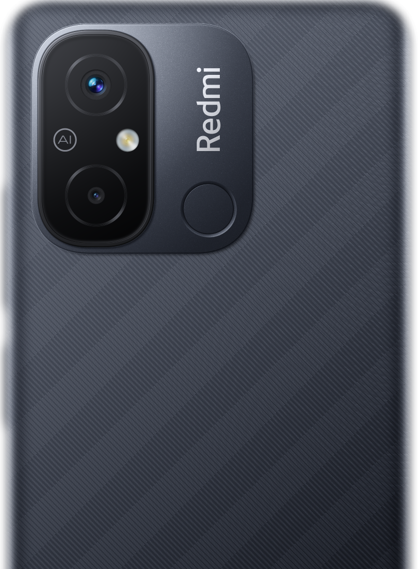
Redmi 12C
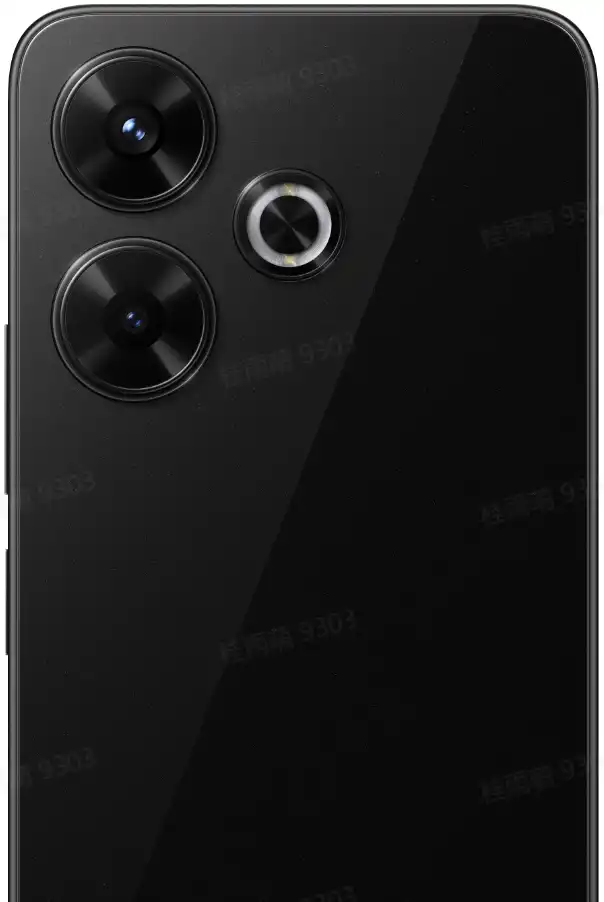
Redmi 13
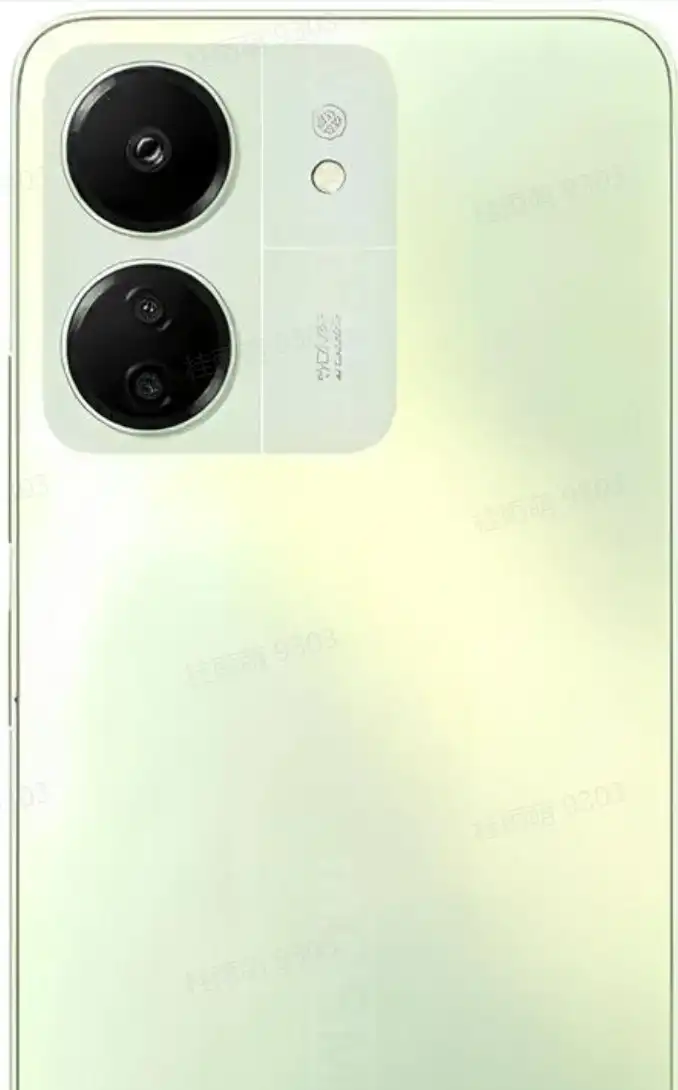
Redmi 13C
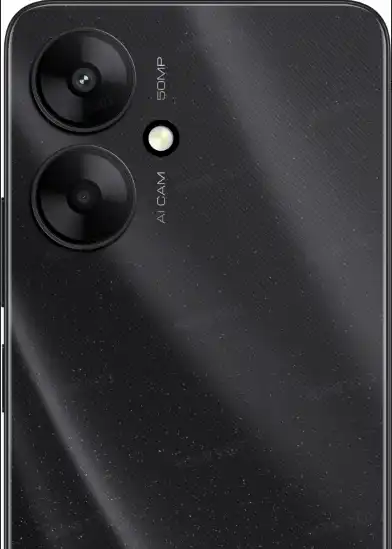
Redmi 13C 5G
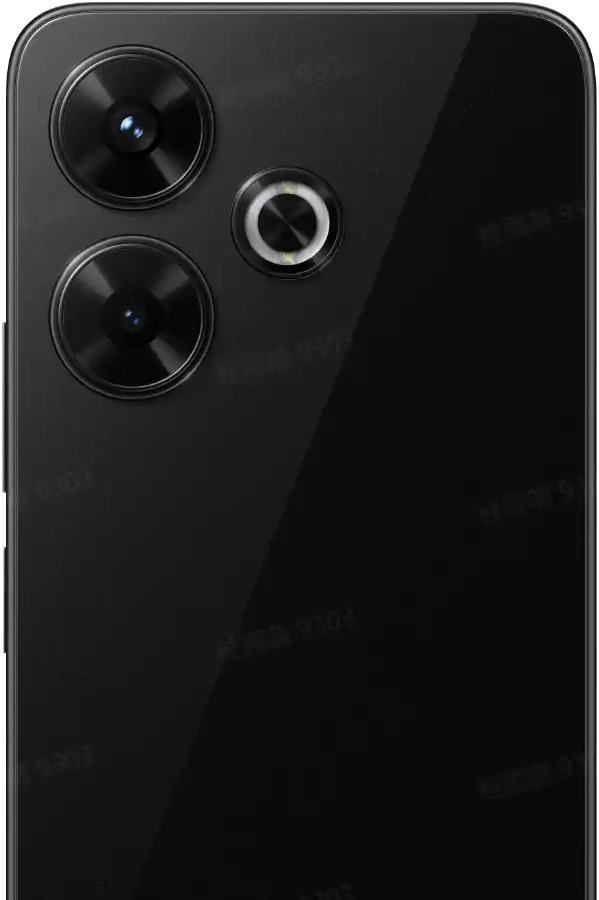
Redmi 13X
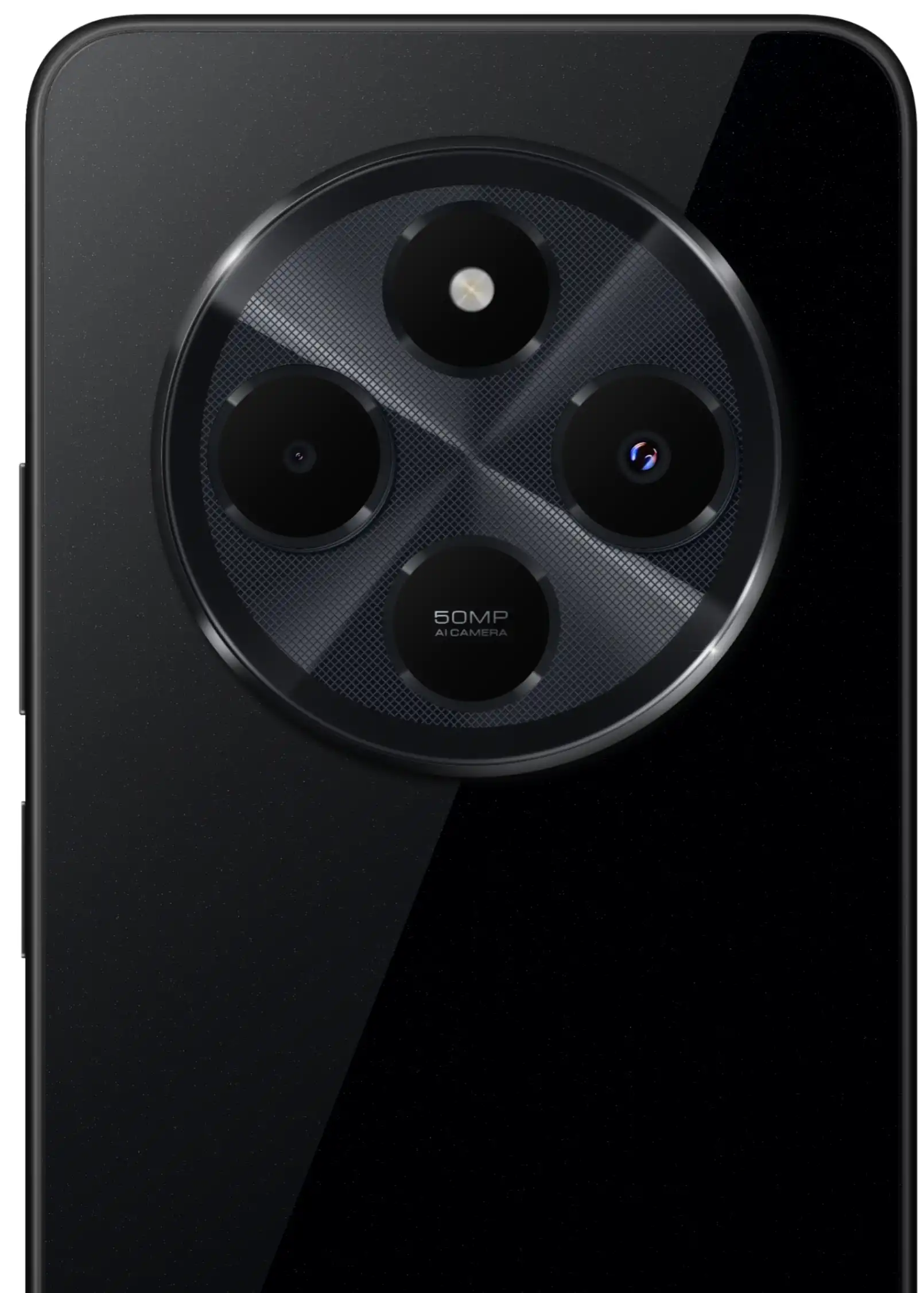
Redmi 14C
Redmi 15
Redmi 15 5G
Redmi 15C
Redmi 15C 5G
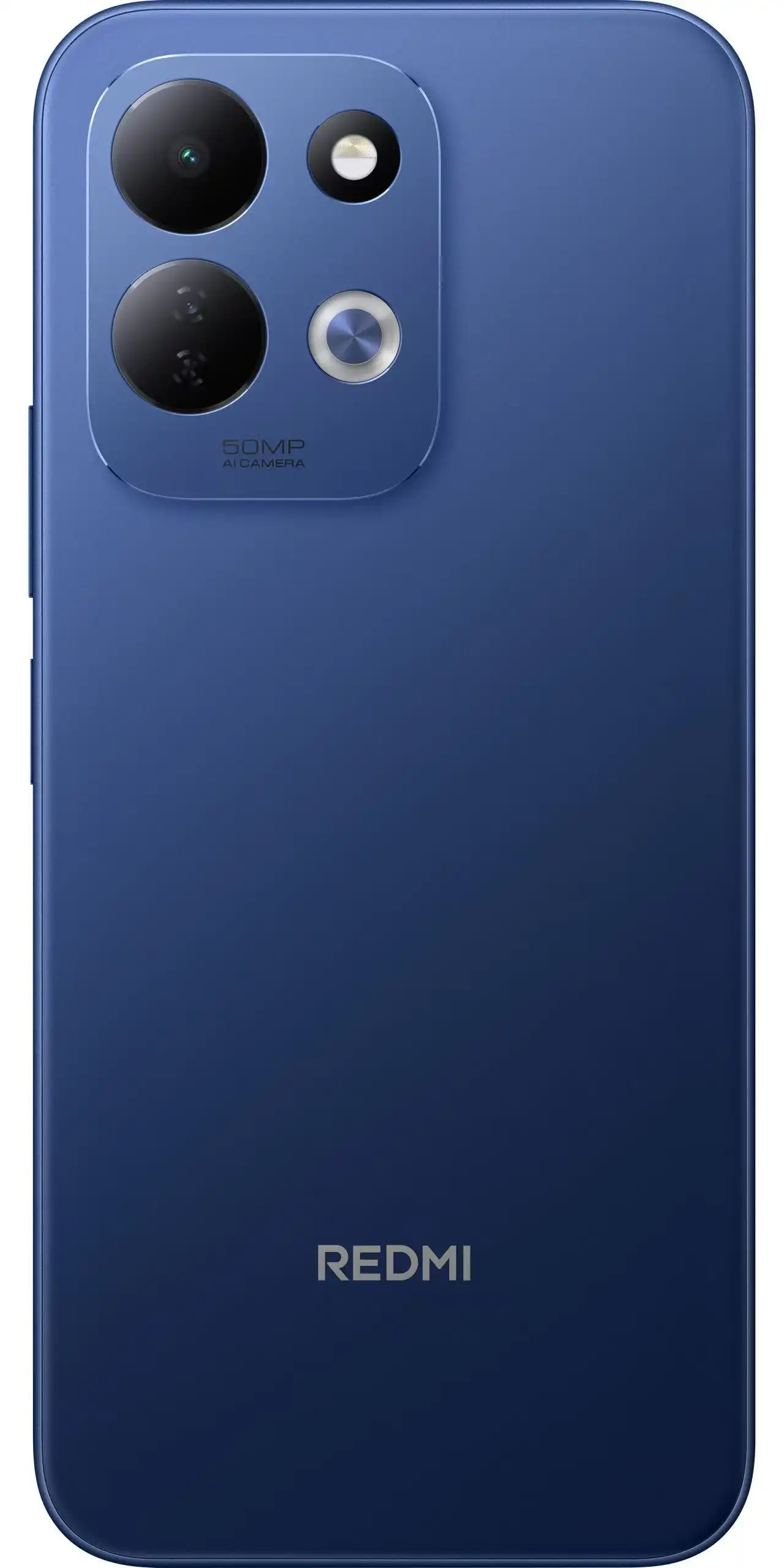
REDMI 17
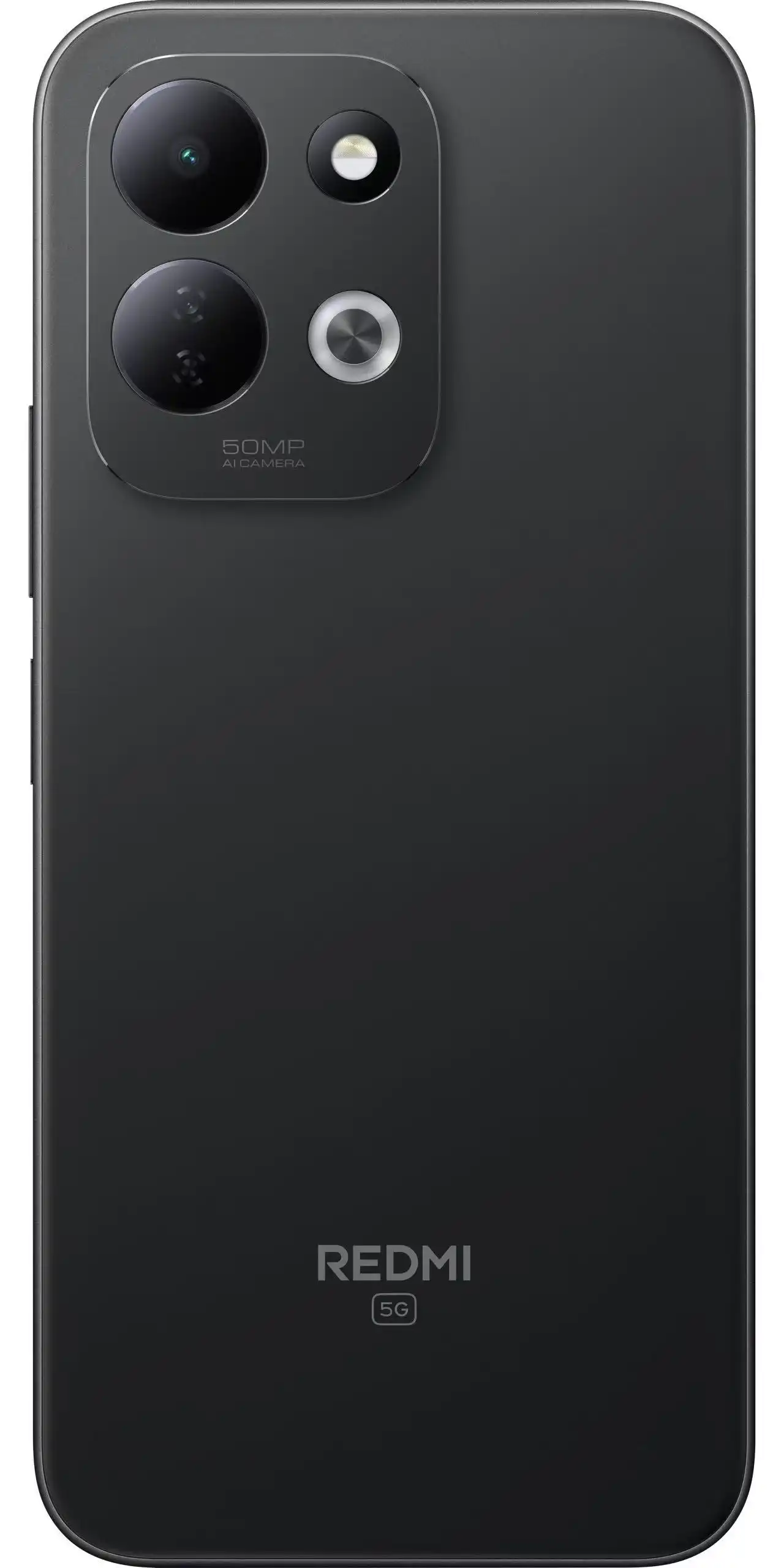
REDMI 17 5G
Redmi 17C 5G
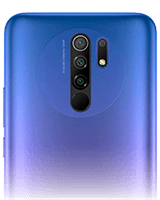
Redmi 9
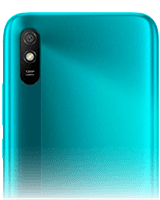
Redmi 9A
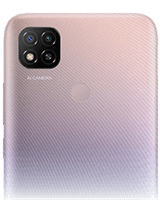
Redmi 9C
Redmi 9C NFC
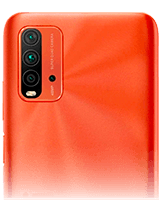
Redmi 9T
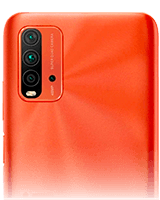
Redmi 9T Power
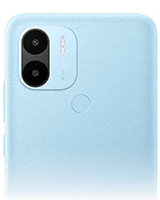
Redmi A1
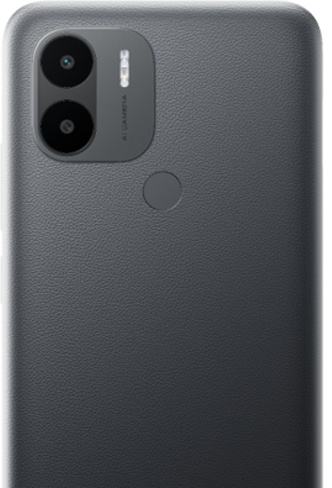
Redmi A2
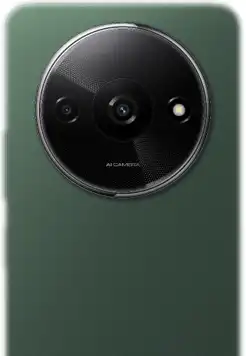
Redmi A3
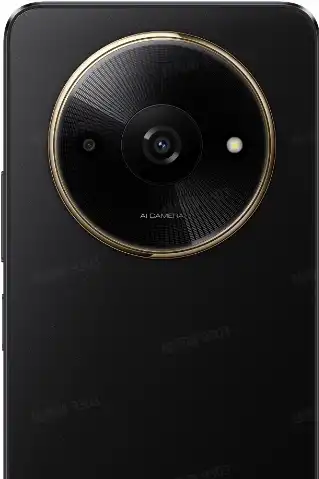
Redmi A3x
Redmi A5
Redmi A7 Pro
Redmi K30
Redmi Note 10 5G
Redmi Note 10 Pro
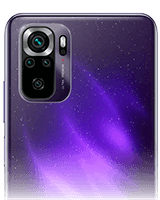
Redmi Note 10S
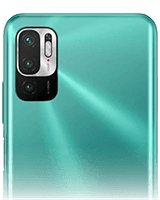
Redmi Note 10T
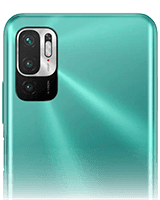
Redmi Note 10T 5G
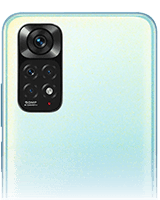
Redmi Note 11
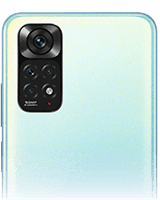
Redmi Note 11 NFC
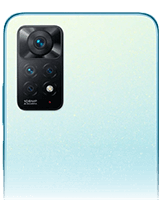
Redmi Note 11 Pro
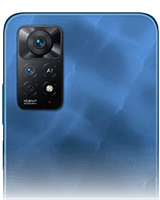
Redmi Note 11 Pro 5G
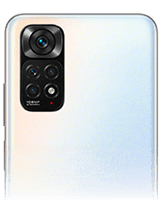
Redmi Note 11S
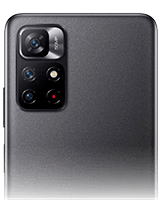
Redmi note 11s 5G
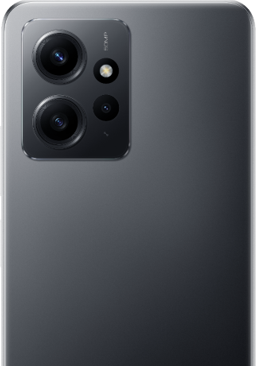
Redmi Note 12
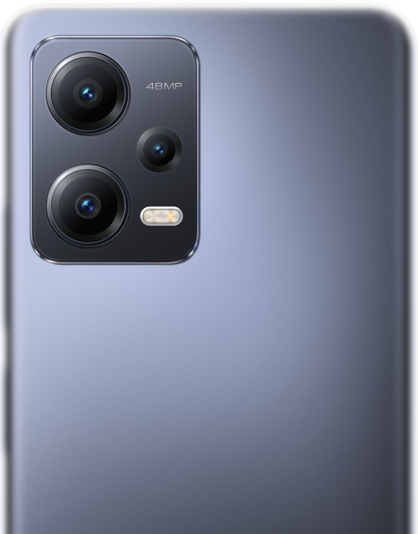
Redmi Note 12 5G
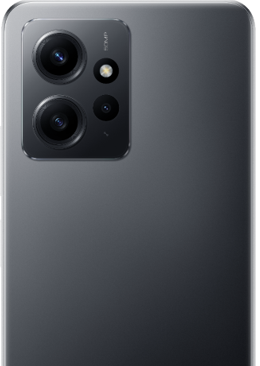
Redmi Note 12 NFC
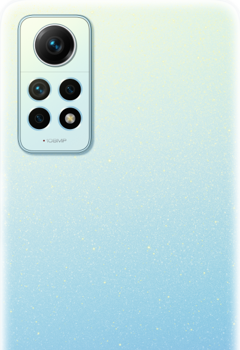
Redmi Note 12 Pro
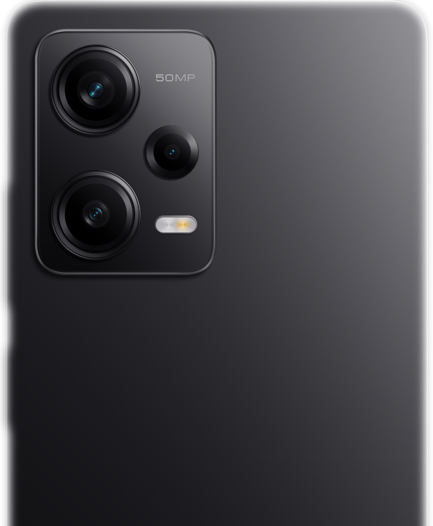
Redmi Note 12 Pro 5G
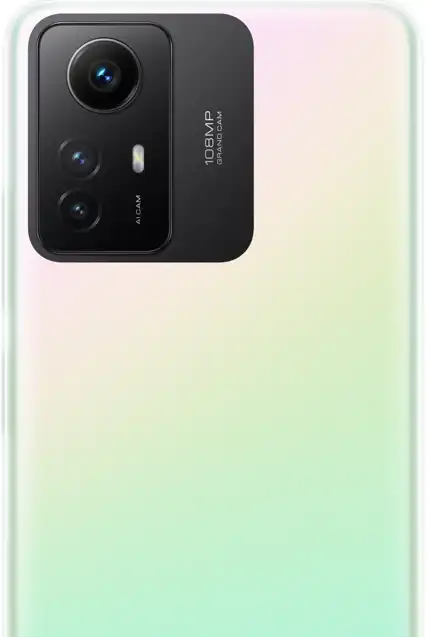
Redmi Note 12S
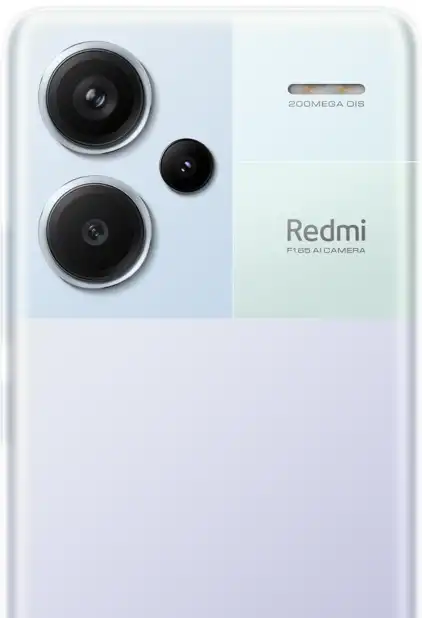
Redmi Note 13
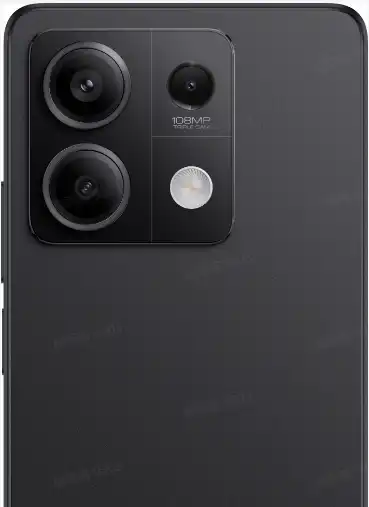
Redmi Note 13 5G
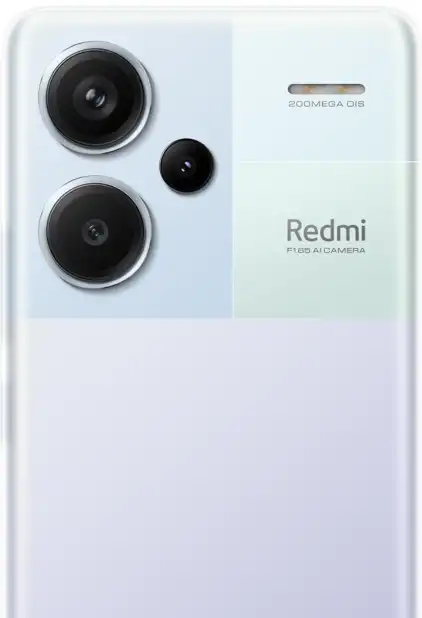
Redmi Note 13 NFC
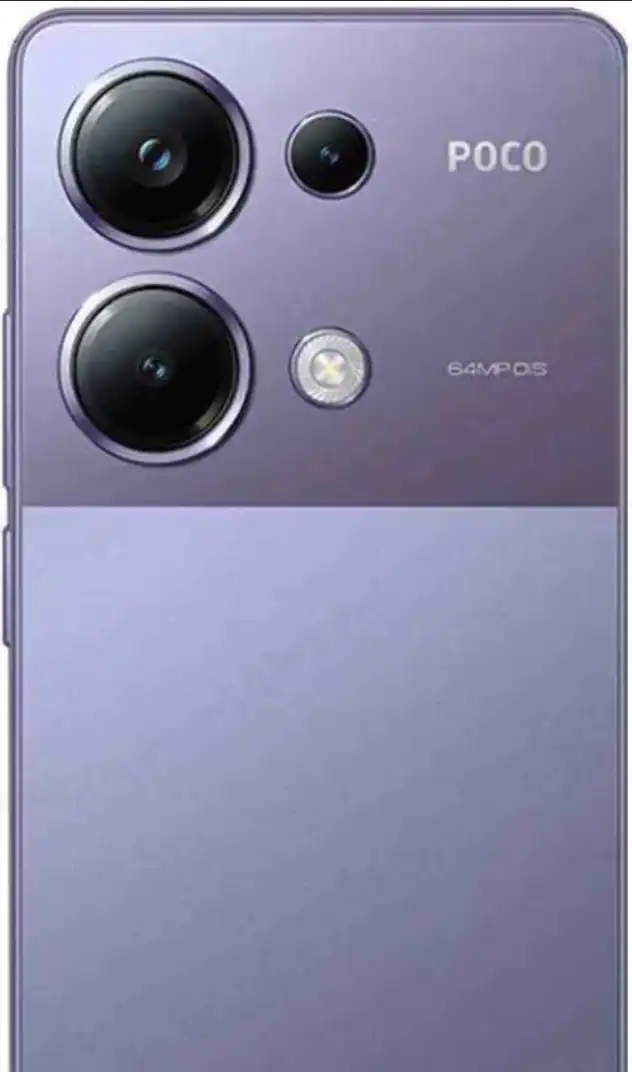
Redmi Note 13 Pro
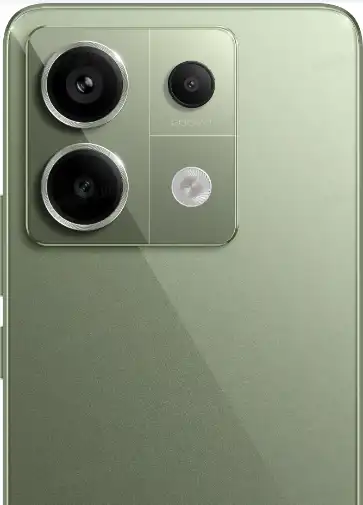
Redmi Note 13 Pro 5G
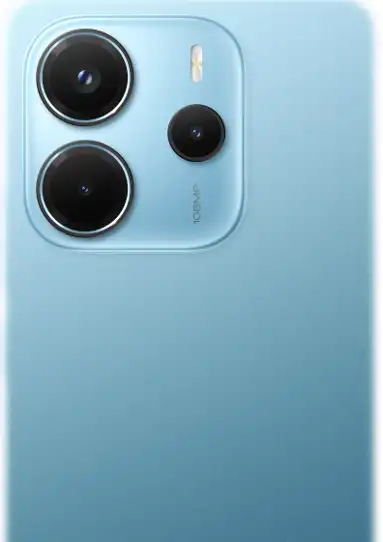
Redmi Note 14
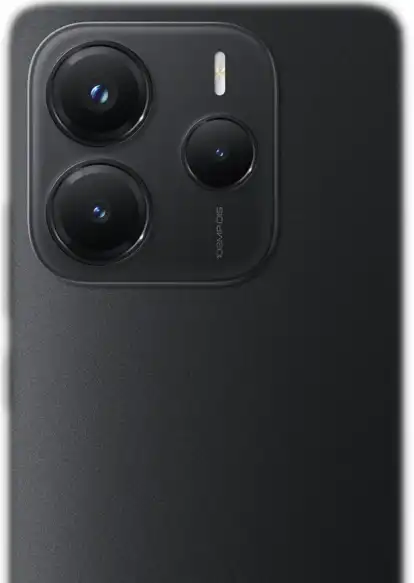
Redmi Note 14 5G
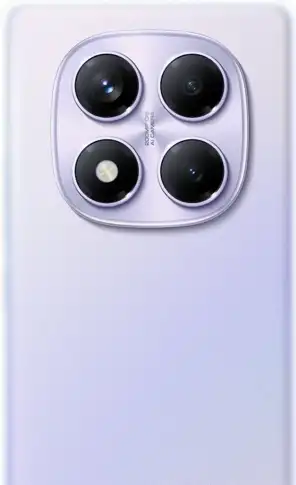
Redmi Note 14 Pro
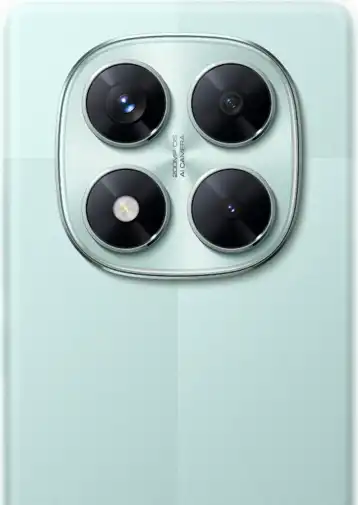
Redmi Note 14 Pro 5G
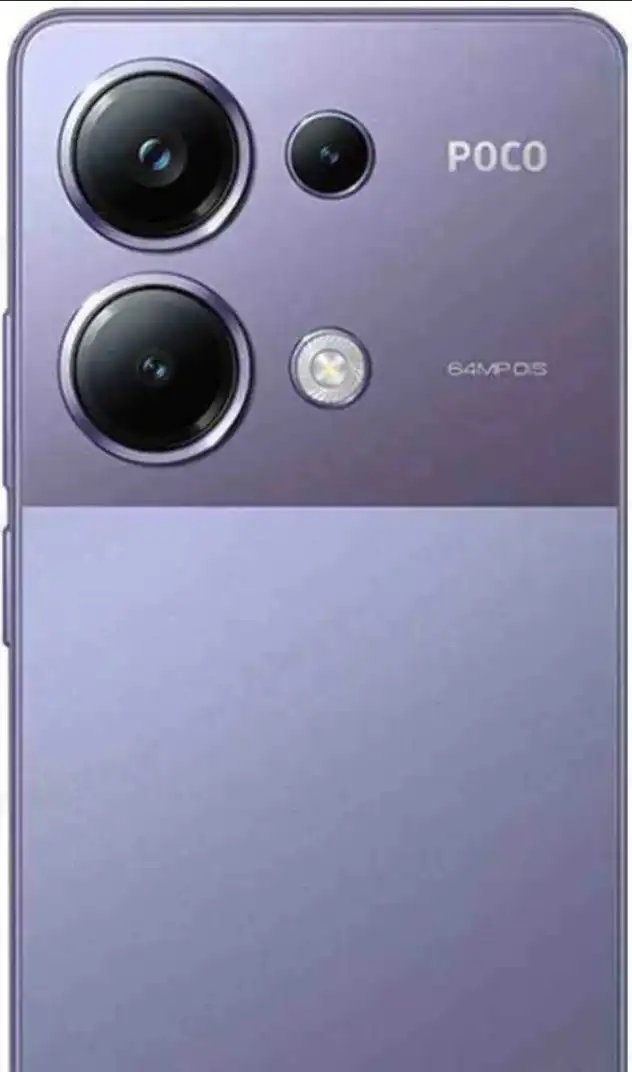
Redmi Note 14S
REDMI Note 15
REDMI Note 15 5G
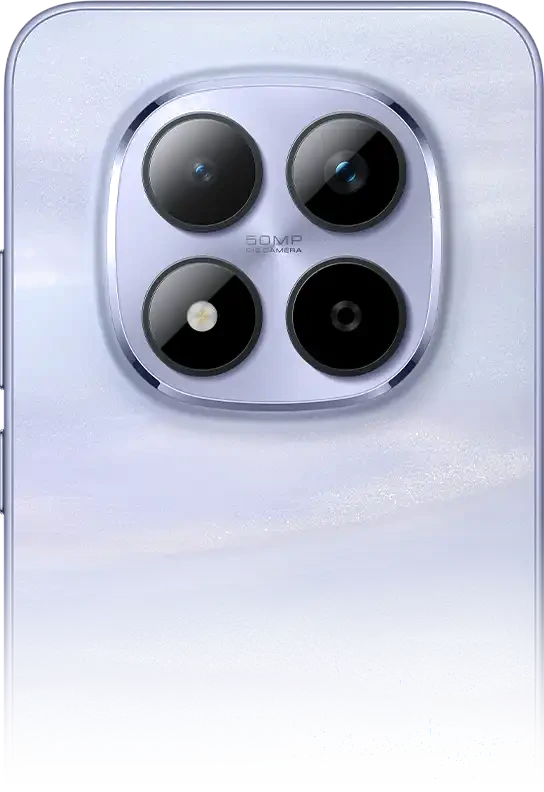
REDMI Note 15 Pro
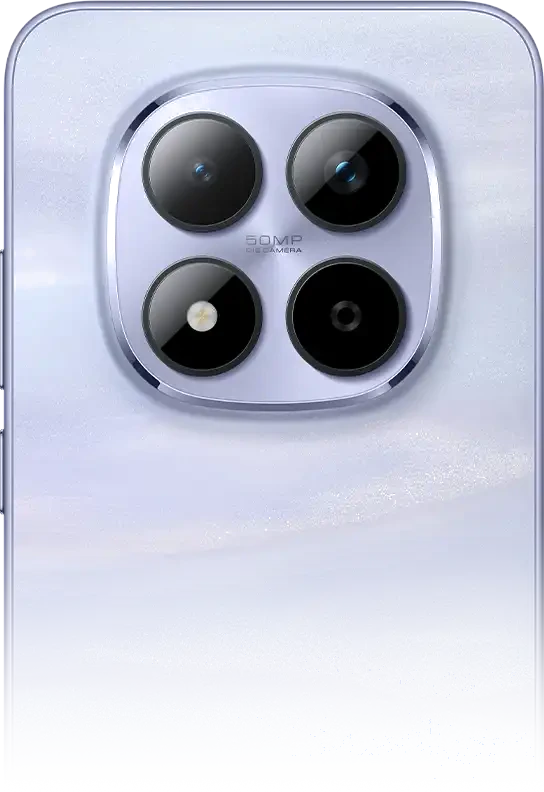
Redmi Note 15 Pro 5G
REDMI Note 15 Pro Plus 5G
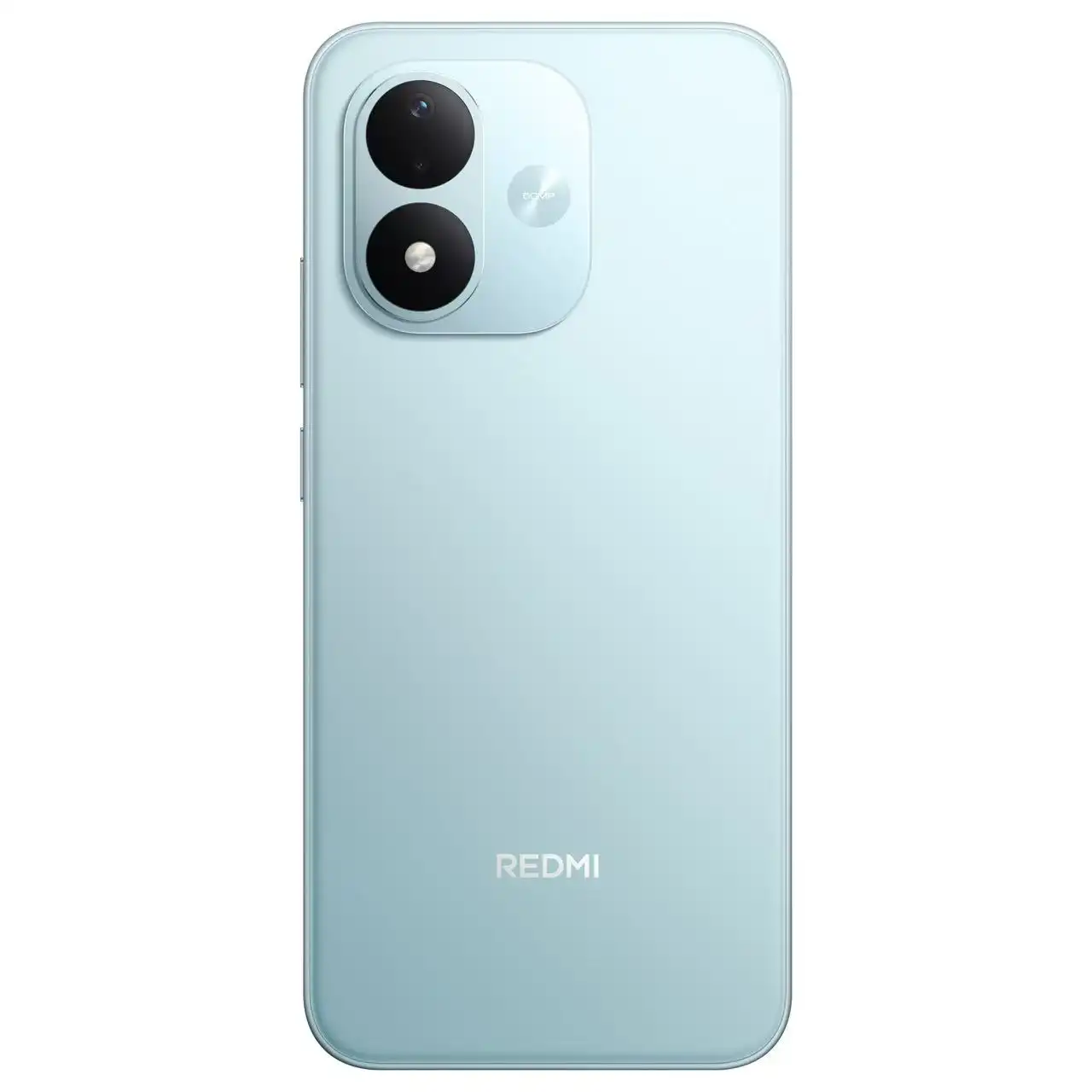
REDMI Note 17
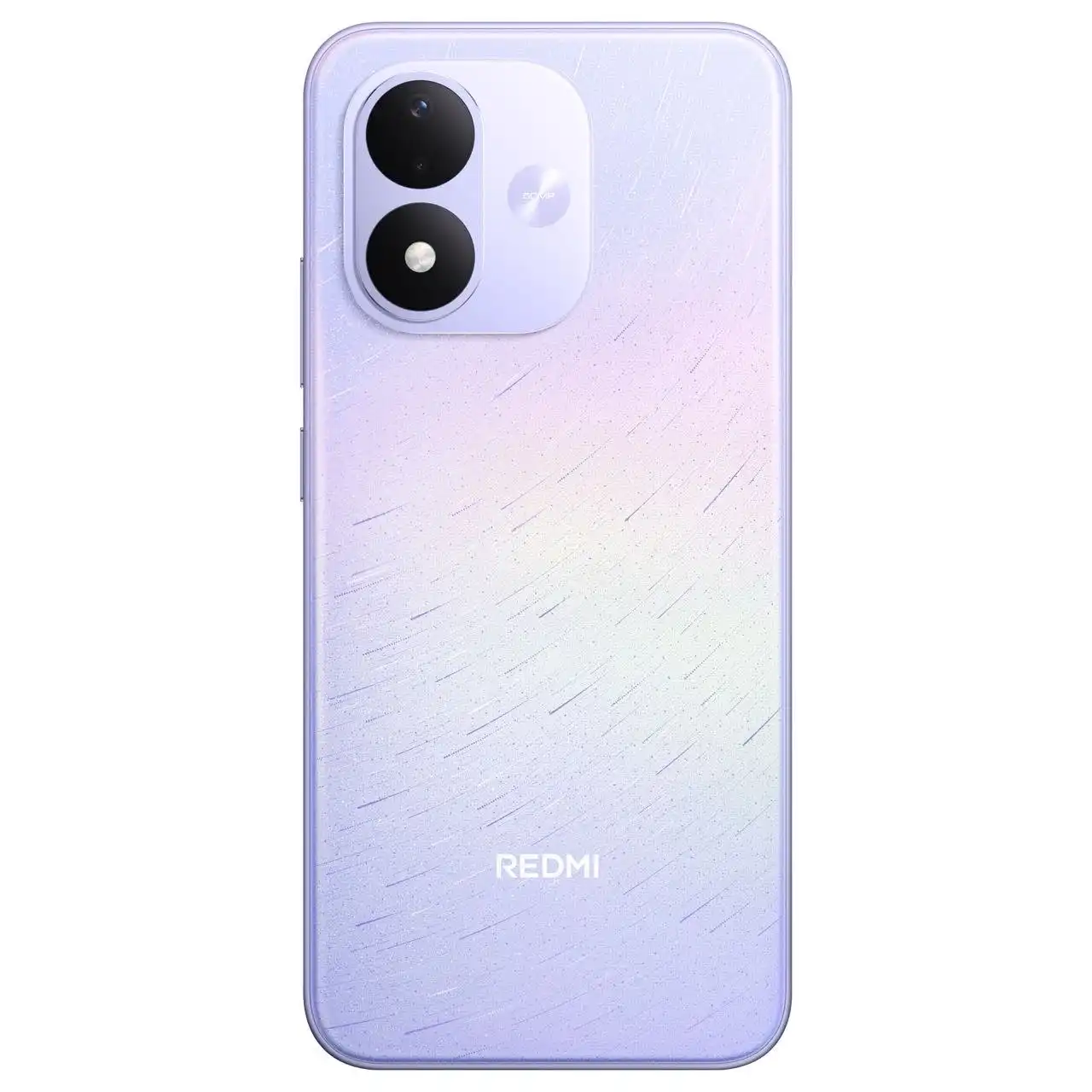
REDMI Note 17 5G
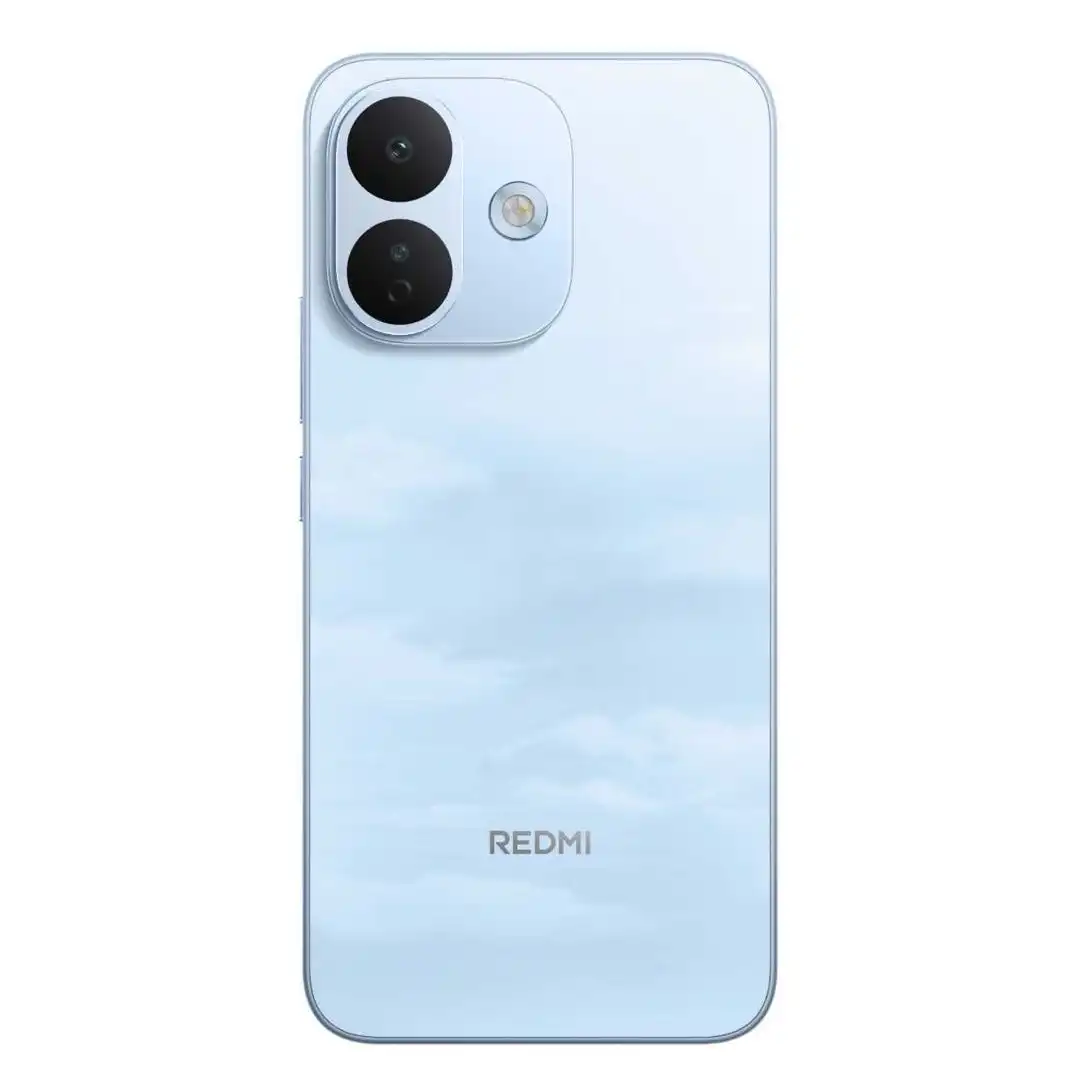
REDMI Note 17 Pro 5G
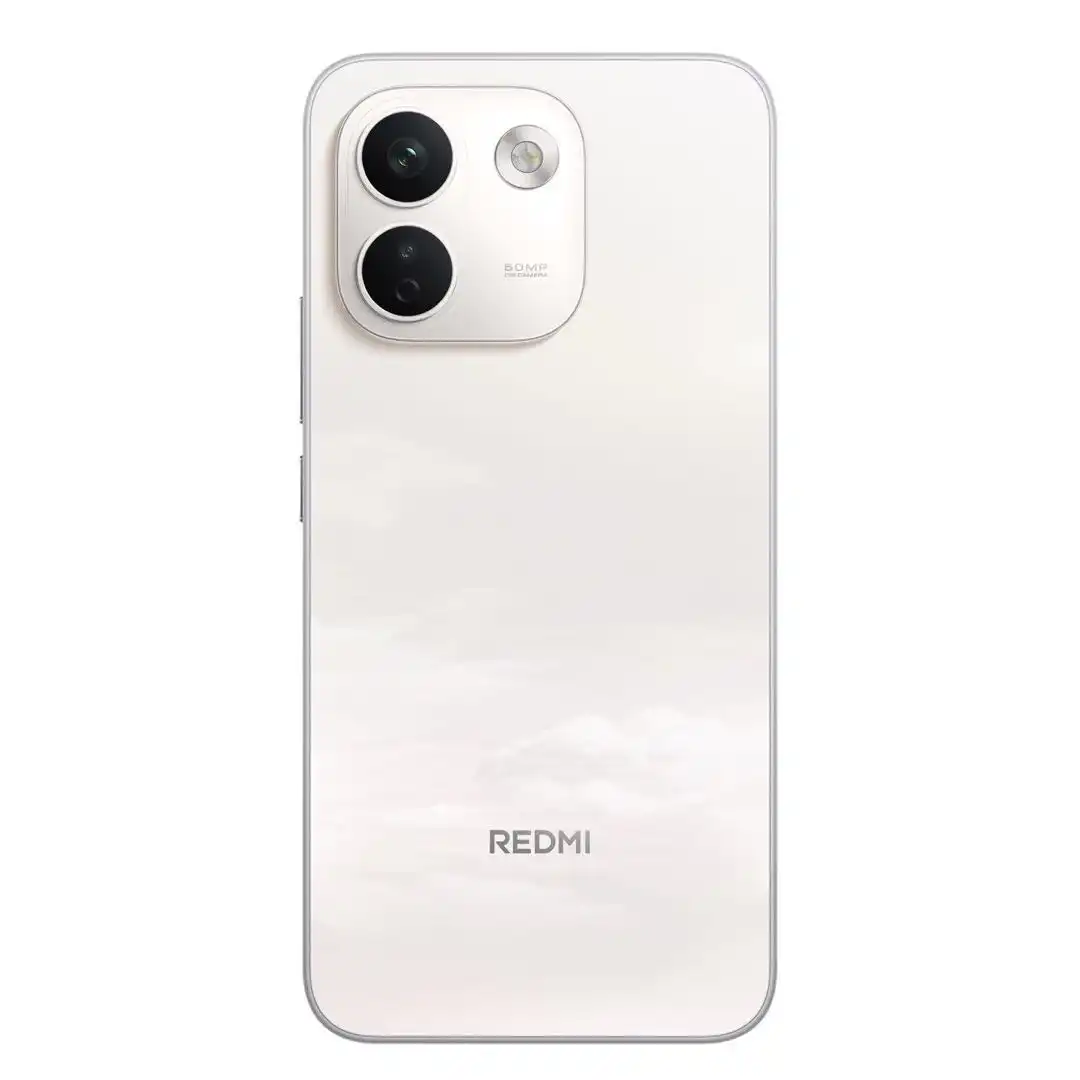
REDMI Note 17 Pro Max 5G
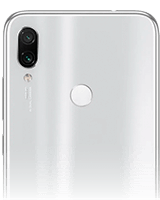
Redmi Note 7
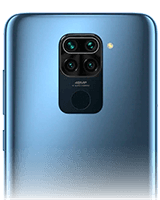
Redmi Note 9
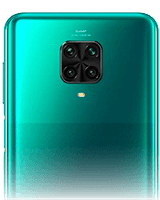
Redmi Note 9 Pro
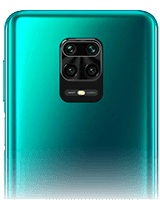
Redmi Note 9S
Redmi Note 9T
Redmi Pad

Redmi Pad 2
Redmi Pad 2 4G
Redmi Pad 2 9 7 Inch
Redmi Pad 2 9 7 Inch 4G
Redmi Pad 2 9.7
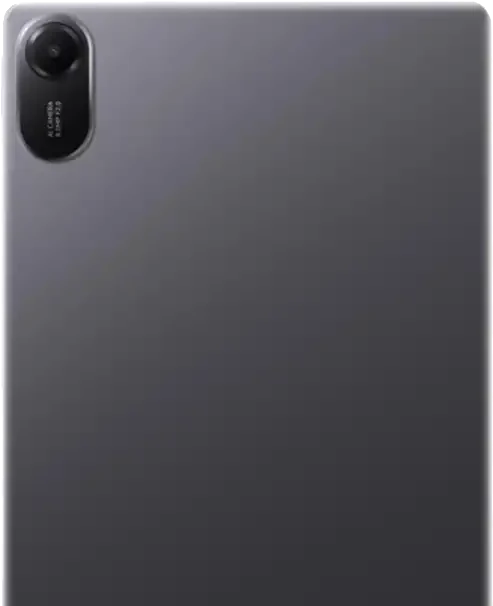
Redmi Pad 2 9.7 4G

Redmi Pad 2 Pro

Redmi Pad 2 Pro 5G
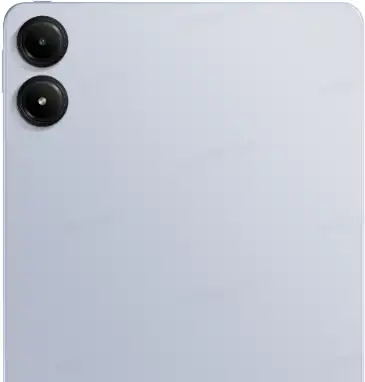
Redmi Pad Pro
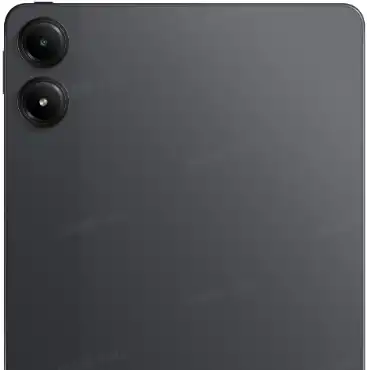
Redmi Pad Pro 5G
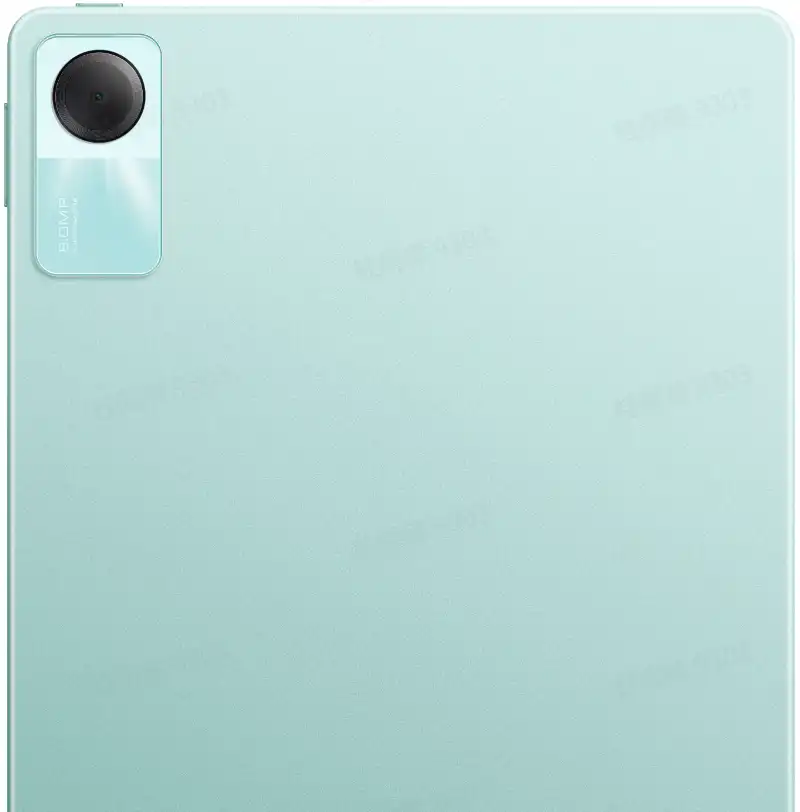
Redmi Pad SE
Redmi Pad SE 8.7
Redmi Pad SE 8.7 4G
Redmibook
📱 Redmi Portfolio Architecture & Flashing Engineering
Redmi is Xiaomi's high-volume consumer brand, divided into three principal product lines: the mainstream Redmi Note series (delivering midrange camera and performance benchmarks), the entry-level numeric Redmi series (e.g., Redmi 13C, 12, 10), and the China/India performance-centric Redmi K-series (e.g., K70, K60, K50). Flashing and maintaining Redmi smartphones involves unique architectural considerations across silicon vendors, regional hardware variants, and security counter protocols.
⚙️ Dual-Platform Hardware: Qualcomm vs MediaTek
Redmi devices utilize both Qualcomm Snapdragon and MediaTek Dimensity / Helio processors. Flashing Qualcomm devices relies on standard fastboot protocol via Mi Flash Tool. In contrast, MediaTek variants utilize specialized preloader handshakes, SLA/DA authentication protocols, and scatter-based partition loading. Always ensure proper chipset-specific USB VCOM / CDC drivers are installed.
🔄 Redmi K-Series to POCO Rebrand Precaution
Several Redmi K-series models share identical motherboard blueprints with global POCO flagships (e.g., Redmi K70 rebranded as POCO F6 Pro, Redmi K60 as POCO F5 Pro, Redmi Note 12 Turbo as POCO F5). While hardware is virtually identical, never flash cross-model firmware without confirming modem calibration and partition table structures to avoid losing cellular baseband and IMEI calibration.
🛡️ Anti-Rollback (ARB 4) Protection Safeguards
Redmi devices, particularly the Redmi Note series, were the earliest adopters of Xiaomi's hardware Anti-Rollback (ARB) security mechanism. The bootloader contains a one-way eFuse counter that increments when flashing firmware with updated Android security patches:
- Checking Your Rollback Index: Enter Fastboot mode and execute:
fastboot getvar anti. - Anti-Rollback Index 4: If the response reads
anti: 4, you can only install firmware images that also have ARB index 4 or higher. Flashing an older build with ARB index 3 will hard-brick the device into Qualcomm HS-USB QDLoader 9008 mode. - Recovery ROM Downgrade Protection: The stock System Updater automatically verifies the ARB index inside
META-INF/com/google/android/updater-scriptand aborts installation if a downgrade violation is detected.
Frequently Asked Questions about Redmi Firmware & Flashing
How do I unbrick a Redmi smartphone stuck in a bootloop?
If your bootloader is unlocked, download the stock Fastboot ROM (.tgz) for your exact model, extract it on your PC, boot the device into Fastboot mode (Power + Volume Down), connect via USB, and use Xiaomi Mi Flash Tool with the "clean all" option selected. If the bootloader is locked, boot into Mi Recovery 5.0 (Power + Volume Up), select "Connect with MIAssistant", and install the matching Recovery ROM (.zip) via adb sideload.
Can I install a Global ROM on a Chinese edition Redmi Note or K-series phone?
Yes, provided your bootloader has been successfully unlocked via Mi Unlock. However, you must strictly select "clean all" in Mi Flash Tool. Never choose "clean all and lock", as relocking a China hardware device with Global or EEA software triggers a permanent bootloader lock brick.
Why does my MediaTek Redmi device disconnect repeatedly in Fastboot mode?
MediaTek smartphones require specific MediaTek USB VCOM and Android Bootloader Interface drivers. Frequent disconnection or handshake timeouts during flashing typically result from using USB 3.0/3.1 ports on AMD Ryzen motherboards. Connect your phone to a USB 2.0 port on the back of your PC or use an unpowered USB 2.0 hub to establish a stable flashing connection.
Looking for a different brand? Browse all brands