
Xiaomi Downloads
Browse indexed download hubs for 70 Xiaomi devices.
Select Device Model
Select your Xiaomi smartphone model below to access device-specific firmware, drivers, and recovery packages:

Mi Flash Unlock Tool
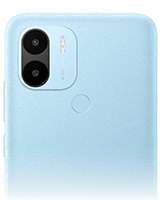
Redmi A1 Plus
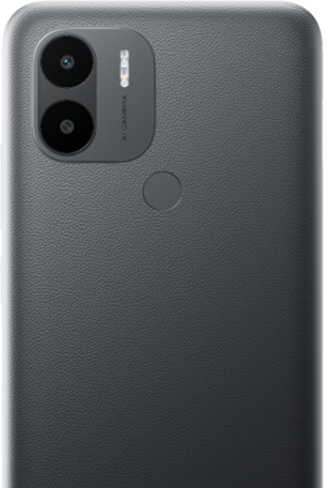
Redmi A2 Plus

Redmi Note 10 Pro Plus 5G

Redmi Note 11 Pro Plus 5G
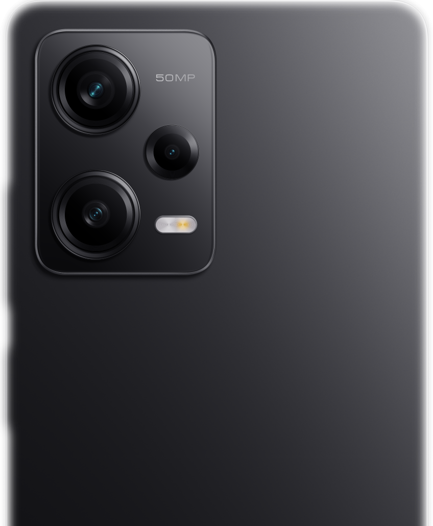
Redmi Note 12 Pro Plus 5G
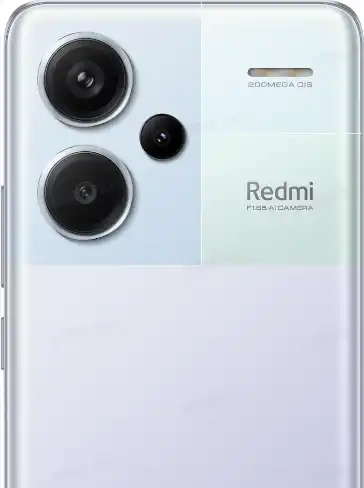
Redmi Note 13 Pro Plus 5G

Redmi Note 14 Pro Plus 5G

Redmi Note 9 Pro Plus 5G
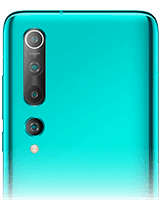
Xiaomi 10
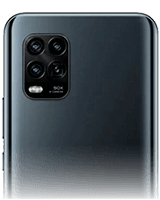
Xiaomi 10 Lite

Xiaomi 10 Lite 5G
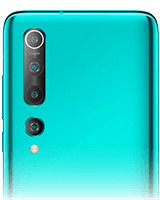
Xiaomi 10 Pro

Xiaomi 10T
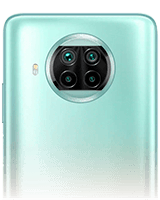
Xiaomi 10T Lite

Xiaomi 10T Pro

Xiaomi 11

Xiaomi 11 Lite

Xiaomi 11 Lite 5G
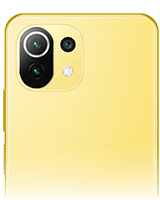
Xiaomi 11 Lite 5G NE
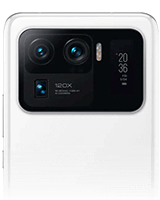
Xiaomi 11 Ultra

Xiaomi 11i
Xiaomi 11i
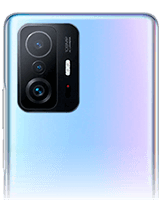
Xiaomi 11T
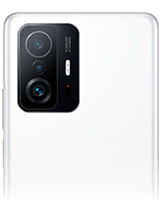
Xiaomi 11T Pro
Xiaomi 11X Pro
Xiaomi 12

Xiaomi 12 Lite
Xiaomi 12 Pro
Xiaomi 12T
Xiaomi 12T Pro
Xiaomi 12X
Xiaomi 13

Xiaomi 13 lite
Xiaomi 13 Pro
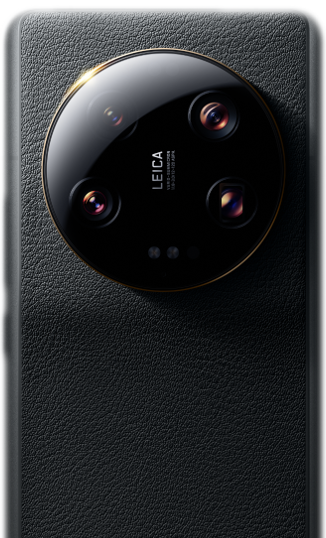
Xiaomi 13 Ultra
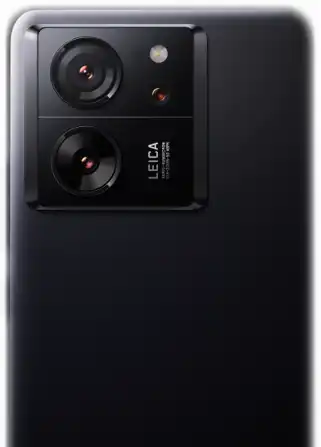
Xiaomi 13T
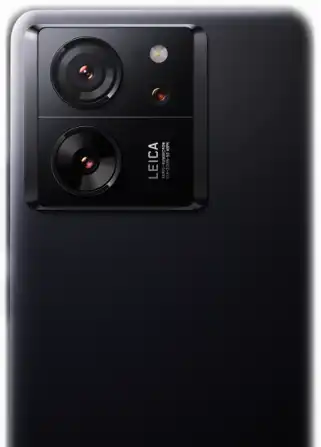
Xiaomi 13T Pro
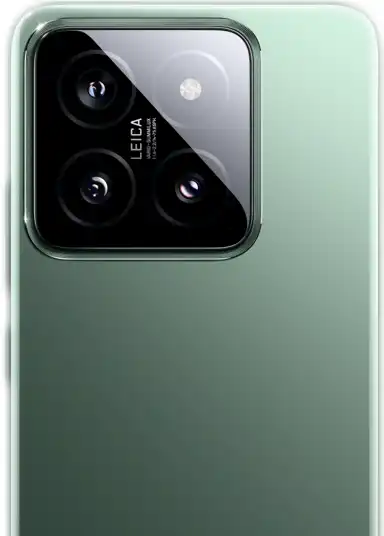
Xiaomi 14
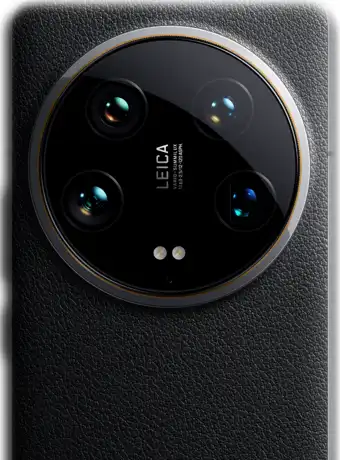
Xiaomi 14 Ultra
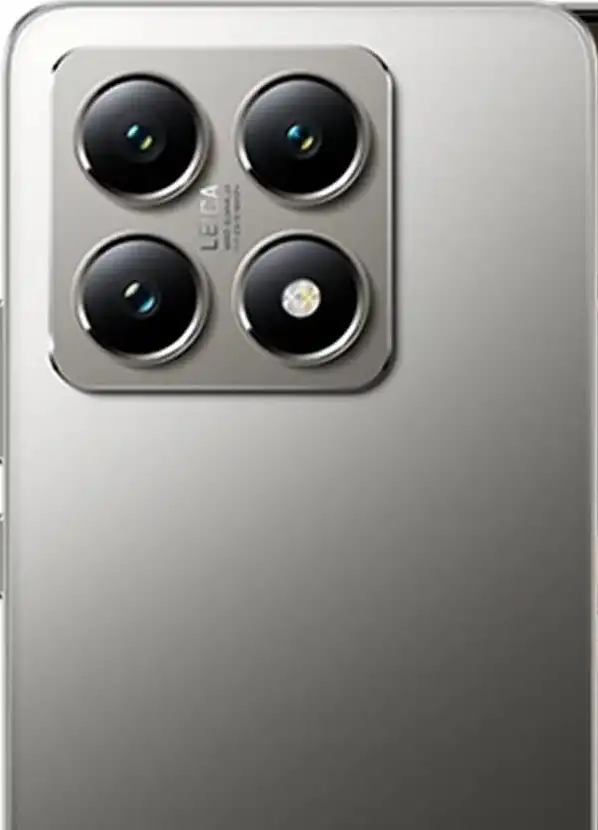
Xiaomi 14T
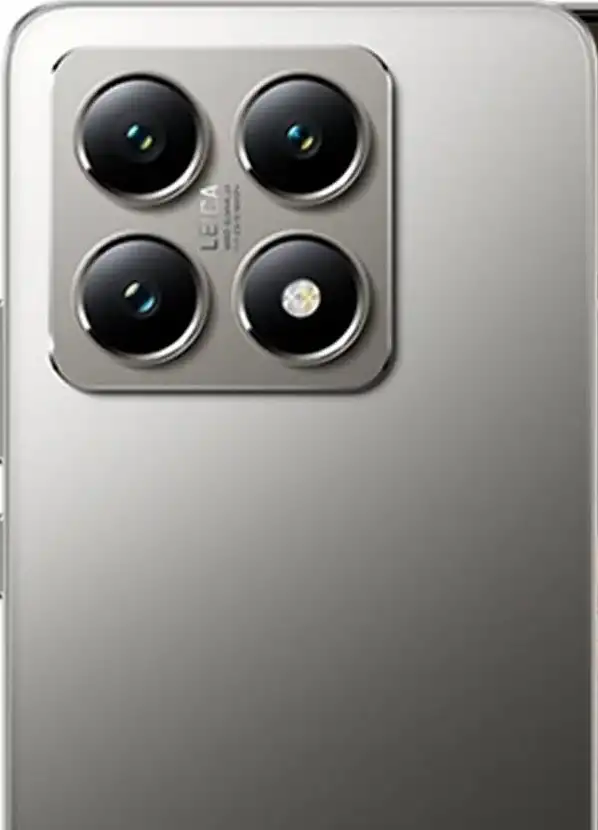
Xiaomi 14T Pro
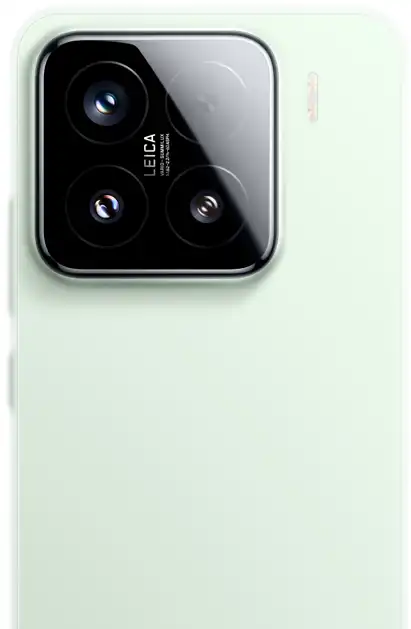
Xiaomi 15
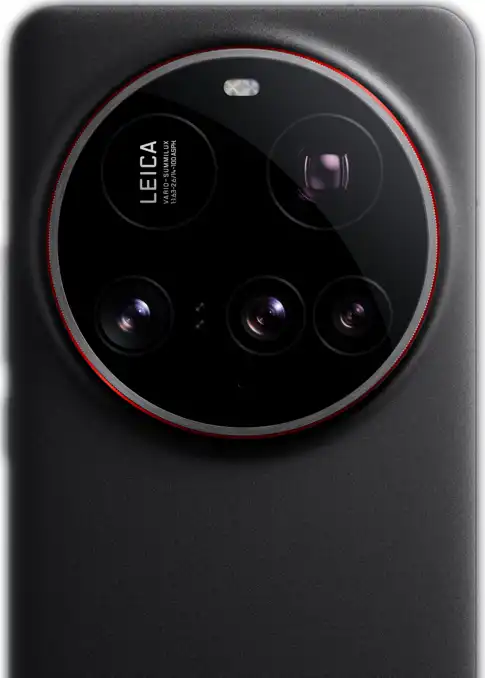
Xiaomi 15 Ultra
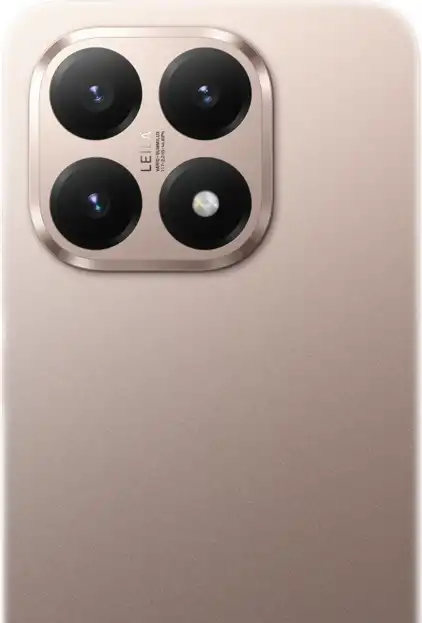
Xiaomi 15T
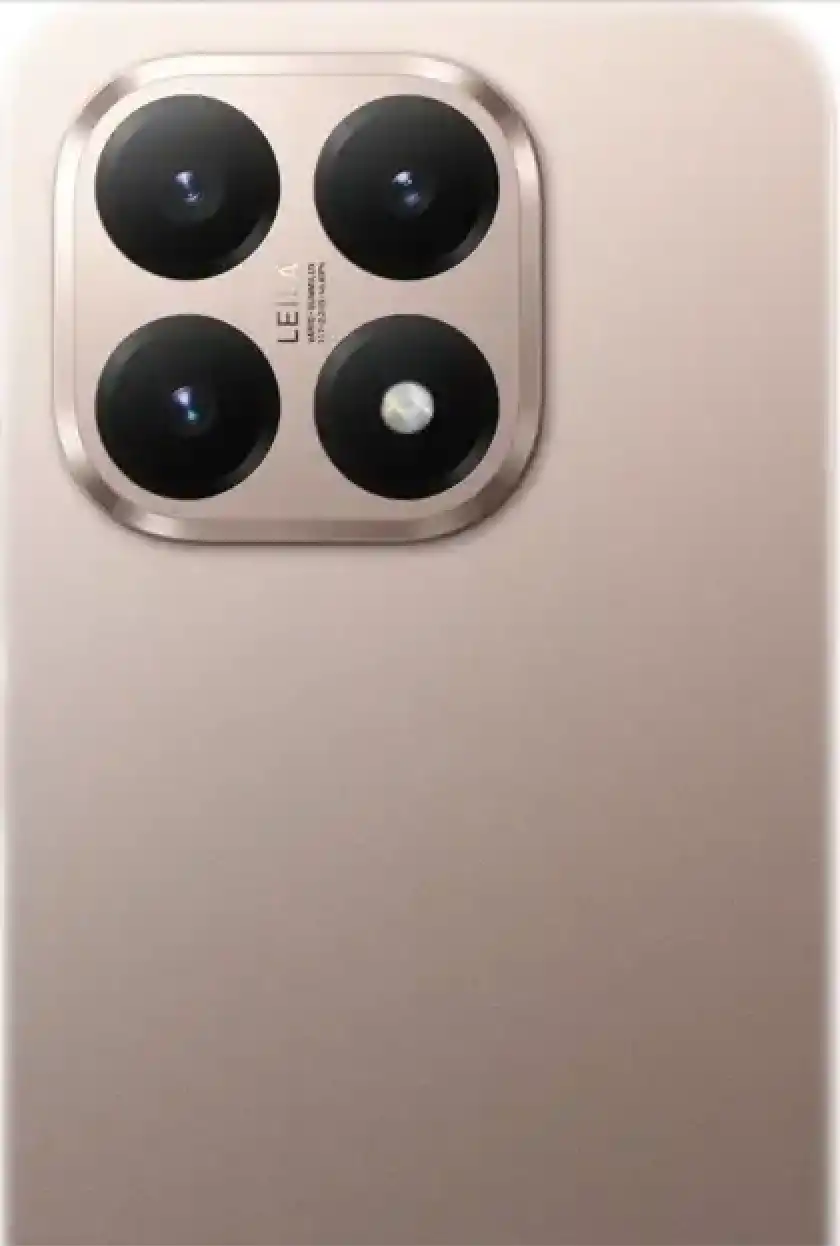
Xiaomi 15T Pro
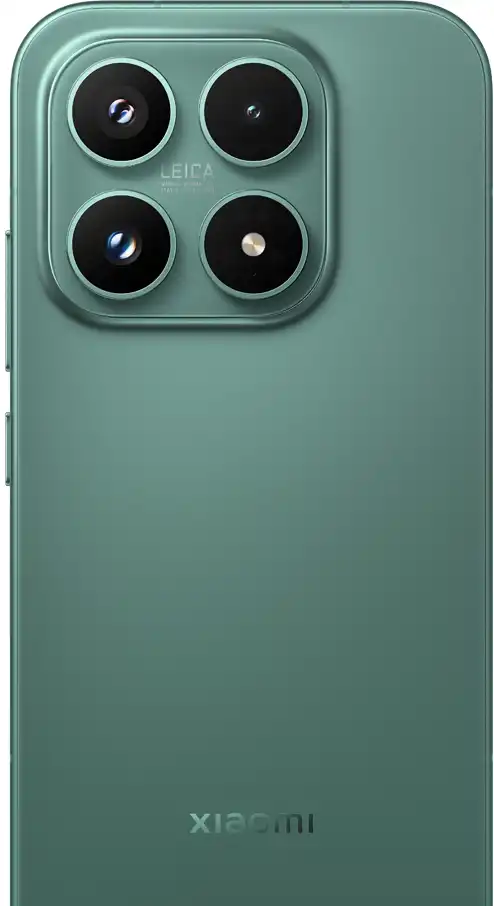
Xiaomi 17
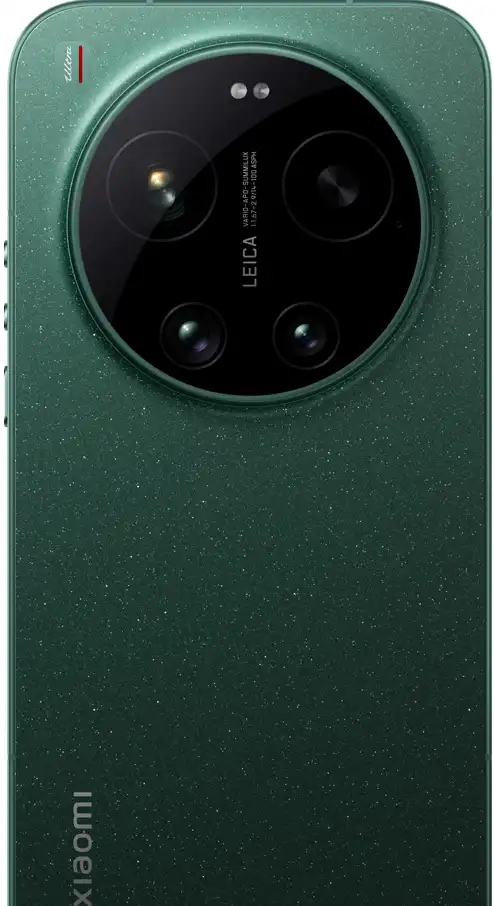
Xiaomi 17 Ultra
Xiaomi 17T
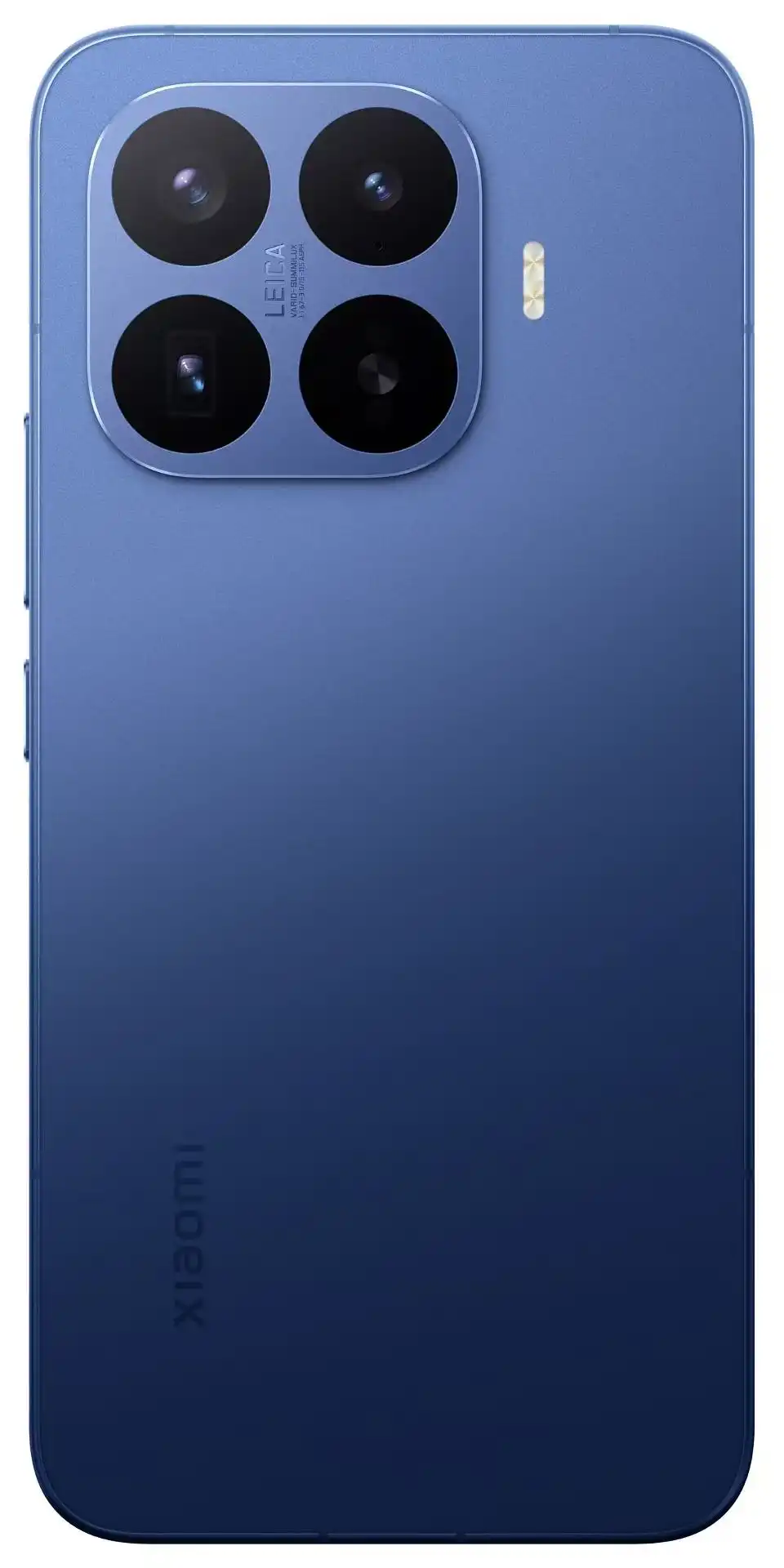
Xiaomi 17T Pro
Xiaomi 18 Fold
Xiaomi 8
Xiaomi 9
Xiaomi 9 Lite
Xiaomi A3
Xiaomi Book S 12 4
Xiaomi CC 9
Xiaomi MIX Flip
Xiaomi Note 10 Lite
Xiaomi Notebook Pro

Xiaomi Pad 5
Xiaomi Pad 6
Xiaomi Pad 6S Pro 12.4
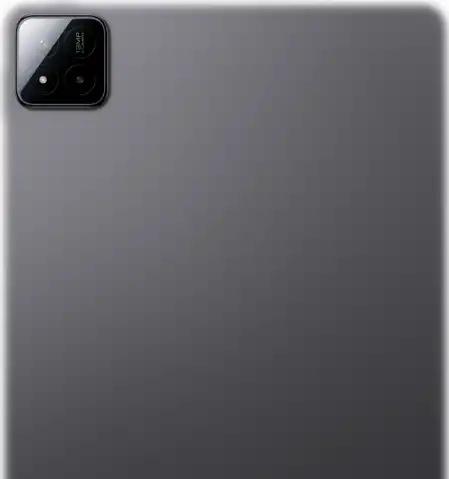
Xiaomi Pad 7
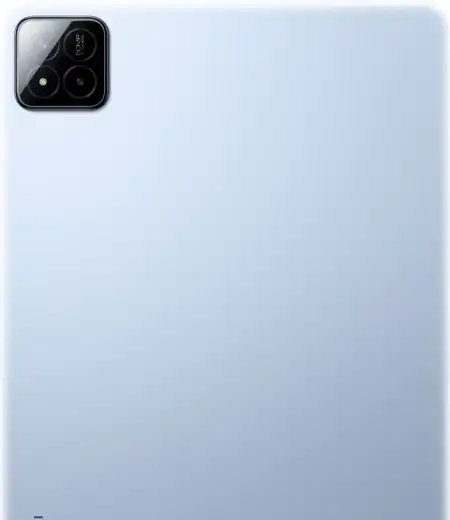
Xiaomi Pad 7 Pro

Xiaomi Pad 8
Xiaomi Pad 8 Pro
Xiaomi Pad 9 Pro Max
Xiaomi Pad mini
Xiaomi System Apps
🏛️ Xiaomi Flagship Ecosystem & Software Architecture
Xiaomi represents the premier flagship tier of Xiaomi Corporation's consumer technology ecosystem, encompassing the numeric flagship series (e.g., Xiaomi 14, 13, 12), the experimental MIX series (MIX Fold, MIX Flip), the productivity-oriented Xiaomi Pad line, and the design-focused Civi series. Devices in this tier showcase cutting-edge mobile hardware, including Qualcomm Snapdragon 8-series platforms, bespoke Leica Summilux optical systems with calibrated camera sensors, and ultra-high-resolution LTPO AMOLED displays.
🚀 Xiaomi HyperOS Kernel Core
Xiaomi flagship smartphones run Xiaomi HyperOS, an operating system that integrates an upgraded Linux kernel with Xiaomi's proprietary Vela IoT software framework. This architecture restructures CPU task scheduling, graphics rendering pipelines, and memory allocation to maintain high framerates and sustained power efficiency.
📸 Leica Optical Calibration Integrity
Xiaomi flagships utilize a dedicated optical color-tuning framework and vendor calibration algorithms stored inside the protected persist and vendor partitions. Flashing verified untouched OEM firmware ensures that Leica photographic styles (Leica Authentic and Leica Vibrant) and optical stabilization matrices operate with precision.
🔐 Xiaomi HyperOS Bootloader Unlock Policy (2024–2026 Rules)
Beginning with the launch of Xiaomi HyperOS, Xiaomi introduced stringent global bootloader unlocking regulations designed to safeguard device integrity and protect users against modified vendor software:
- Community Account Tier Requirement: Unlocking permissions require an active Xiaomi Account with Level 5 status in the Xiaomi Community application (China mainland) or an active verified account in the Global Xiaomi Community.
- Application Quota: Unlocking permissions are granted on an application basis, restricted to a strict quota of up to 3 devices per account per calendar year.
- Waiting Cooldown: Once requested via the Mi Unlock client, devices enforce a mandatory hardware waiting period (typically 72 hours to 168 hours) during which the SIM card and Mi Account must remain bound to the device.
- OTA Updates on Unlocked Devices: HyperOS devices with an unlocked bootloader will not receive automatic OTA (Over-The-Air) update pushes until the bootloader is relocked with stock firmware.
Never select "clean all and lock" (flash_all_lock.bat) in Mi Flash Tool if flashing a Global, EEA, or Indian ROM onto a smartphone originally manufactured for the China mainland domestic market. Locking the bootloader with cross-regional firmware permanently triggers the hardware error: "The system has been destroyed", requiring costly authorized service center repair via Emergency Download (EDL 9008) mode. Always use "clean all" (flash_all.bat).
Frequently Asked Questions about Xiaomi Firmware & Updates
What is the difference between Xiaomi Fastboot ROMs and Recovery ROMs?
Fastboot ROMs (.tgz) are full raw disk image packages flashed from a Windows PC via Xiaomi Mi Flash Tool while the phone is in Fastboot mode. They require an unlocked bootloader and are essential for unbricking and clean installs. Recovery ROMs (.zip) are update packages installed directly on the smartphone using the built-in System Updater or Mi Recovery 5.0 ADB Sideload without unlocking the bootloader.
Can I receive automatic HyperOS OTA updates after unlocking my bootloader?
Under Xiaomi HyperOS policy, unlocked devices do not receive automatic OTA update notifications. To install new firmware updates, you must either manually download and install the full stock Recovery ROM package via System Updater / Mi Recovery, or flash the updated stock Fastboot ROM and relock the bootloader (only if running the matching native region firmware).
How do I identify which regional build is installed on my Xiaomi phone?
Open Settings > About Phone and examine the 7-character build suffix (e.g., OS1.0.3.0.UNAMIXM). Characters 4 and 5 indicate the regional firmware: MI = Global International, EU = Europe EEA, IN = India, CN = China, RU = Russia, ID = Indonesia, TR = Turkey, and TW = Taiwan.
Are all Xiaomi downloads hosted on this directory genuine releases?
Yes. All Xiaomi and Mi firmware packages, drivers, and tools indexed in this directory are 100% genuine, untouched stock OEM builds sourced directly from Xiaomi delivery networks. Each download includes a cryptographic SHA-256 hash for verification before installation.
Looking for a different brand? Browse all brands