
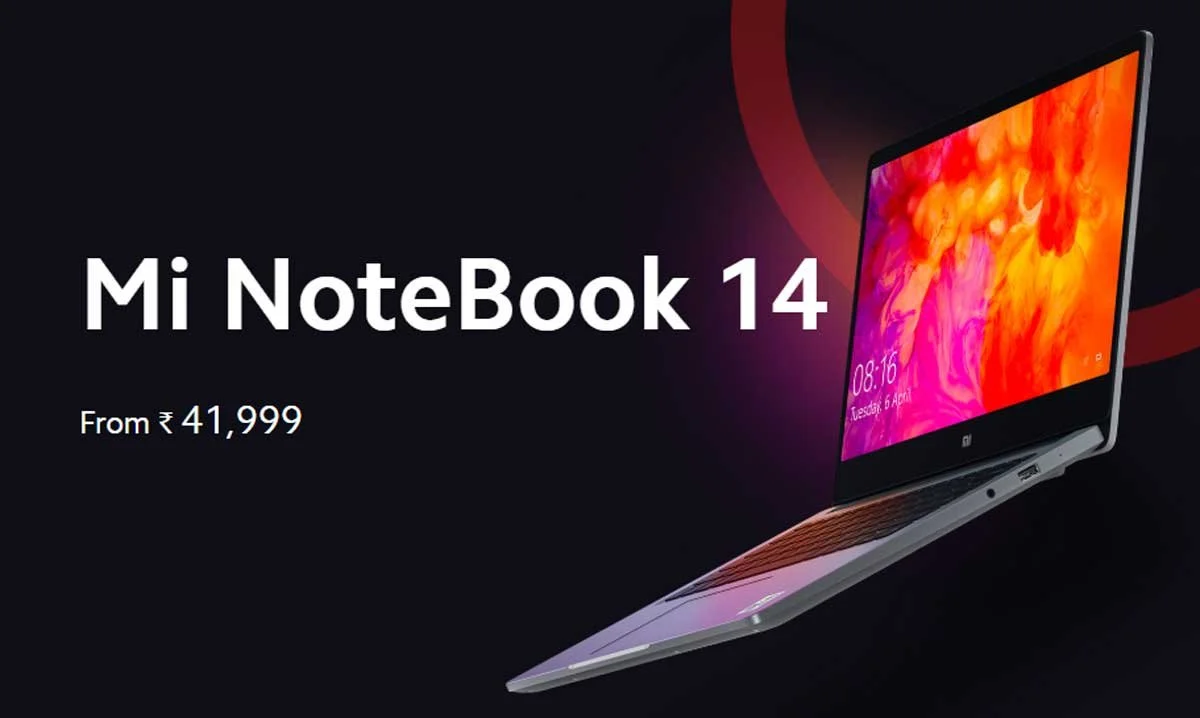
Mi Notebook 14 Horizon Edition Intel-gfx Driver v1.0 Download
Direct verified Intel-gfx driver package for Mi Notebook 14 Horizon Edition – Version v1.0.
The stock Intel Graphics Driver package (Version 1.0) provides certified display rendering, hardware-accelerated video decoding, and GPU execution unit management for the Intel Iris Xe / UHD Graphics engine in your Mi Notebook 14 Horizon Edition. Designed specifically for Windows 10 64-bit, this WHQL-certified driver ensures seamless desktop fluid animation, HDR color grading, high-efficiency media playback, and robust multi-monitor external display output via HDMI and USB Type-C ports.
Key Capabilities and Performance Improvements
- High-Refresh and HiDPI Display Optimization: Delivers smooth frame rendering tailored to the display specifications of the Mi Notebook 14 Horizon Edition, eliminating tearing and stuttering during everyday multitasking.
- Hardware Media Decode Acceleration: Utilizes Intel Quick Sync Video hardware acceleration to decode AV1, HEVC (H.265), VP9, and AVC (H.264) video formats with minimal CPU load and battery consumption.
- External Display Continuity: Ensures reliable hot-plug detection and multi-stream transport (MST) across USB-C Thunderbolt 4 and HDMI monitor outputs with support for 4K resolutions at 60Hz.
- Intel Graphics Command Center Integration: Grants access to advanced display tuning including color balance, brightness contrast enhancements, adaptive contrast management, and custom resolution scaling.
Installation Precautions
- Save Work & Expect Screen Flickering: During driver installation, your laptop display may turn black or flicker briefly 2 to 3 times as the display adapter resets and loads the new display pipeline. This is standard behavior.
- Clean Installation: If upgrading from a problematic or corrupt graphics driver, check the "Execute clean installation" option in the Intel installer to clear cached shaders and outdated registry entries.
Step-by-Step Installation Guide
- Download the verified Intel Graphics Driver package (Version 1.0).
- Extract the contents of the
.ziparchive to a local folder. - Right-click
Installer.exe(orsetup.exe) and choose Run as administrator. - Follow the guided installation wizard, accept the terms, and wait for the display driver and Intel Graphics Command Center components to install.
- Click Finish and restart your laptop to initialize the updated graphics stack.
Post-Install Verification
Open Device Manager (Win + X > Device Manager), expand Display adapters, and double-click Intel(R) Iris(R) Xe Graphics (or UHD Graphics). The driver tab will display Version 1.0 with status confirming This device is working properly.
Mi Notebook 14 Horizon Edition Intel-gfx Driver download details
This page provides the Intel-gfx driver file for Mi Notebook 14 Horizon Edition. Version 1.0 is listed with verified file metadata, compatibility information, and secure delivery.
Compatibility and scope
| Target Device | Mi Notebook 14 Horizon Edition |
|---|---|
| File Type | Driver (Intel-gfx) |
| Platform | Windows |
| Architecture | X64 |
| OS Requirement | Windows 10 64-bit |
| Region / Market | India |
| File Size | 442 MB |
| MIME Type | application/zip |
| SHA-256 Checksum | 8f5c86dcd7ffb7c0e023e89e08e74c9b663d5a825778ffd2bf7ec0091b63d288
|
Usage context
Use this download when installing, updating, or repairing the Intel-gfx component on Mi Notebook 14 Horizon Edition. This driver ensures proper functionality of the Intel-gfx hardware on supported systems. It is intended for Windows 10 64-bit.
🛡️ Pre-Installation Safety Checklist for Mi Notebook 14 Horizon Edition
Ensure device is charged to at least 50% to prevent unexpected shutdown during write operations.
Save all open documents and work before installing system components.
Right-click setup executables or scripts and select 'Run as administrator' to grant system privileges.
Verify the downloaded file hash against the SHA-256 checksum before flashing.
💻 How to Install Intel-gfx Driver on Windows 11 & 10
- Extract the downloaded
.ziparchive to a folder on your laptop. - Look for an executable installer such as
setup.exeorinstall.bat. Right-click it and choose Run as administrator. - If the package contains
.infdriver files, right-click the main.inffile and select Install, or open Device Manager (Win + X> Device Manager), right-click the respective device, choose Update driver, and browse to the extracted folder. - Follow the on-screen setup prompts and reboot your laptop after installation completes to ensure hardware changes take effect properly.
Frequently Asked Questions
How do I install this Intel-gfx driver on Mi Notebook 14 Horizon Edition?
Extract the downloaded ZIP package. If a setup.exe or install.bat is included, run it as Administrator. If only driver INF files are present, open Windows Device Manager, right-click the hardware component, choose 'Update driver', and browse to the extracted folder.
Is this Intel-gfx driver compatible with Windows 11 and Windows 10?
Yes. This driver package is specifically verified for 64-bit Windows installations on Mi Notebook 14 Horizon Edition hardware. It includes WHQL-certified OEM binary files matching factory specifications.
What should I do if Windows says 'The best drivers are already installed'?
In Device Manager, select 'Update driver' > 'Browse my computer for drivers' > 'Let me pick from a list of available drivers on my computer' > 'Have Disk', then select the specific .inf file from the extracted package.
Always verify the file matches your exact device model and intended usage before installation.
Select Download Mirror
Looking for other versions or file types? ← Browse all downloads for Mi Notebook 14 Horizon Edition