
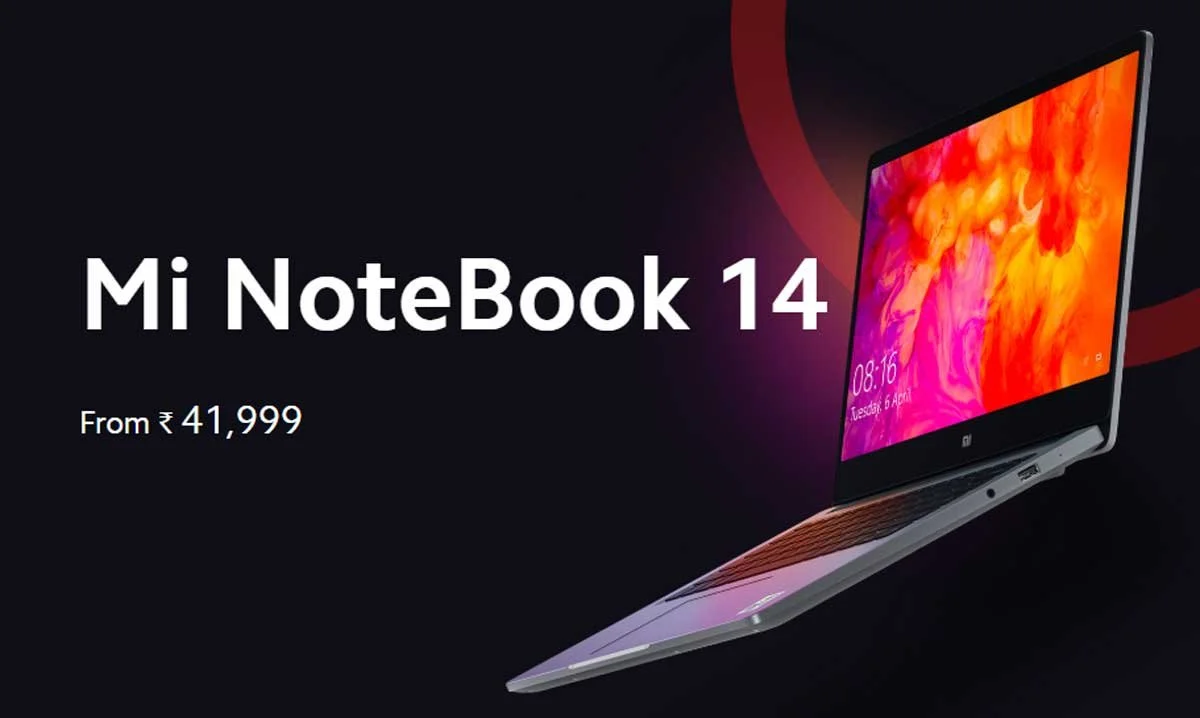
Mi Notebook 14 Horizon Edition Audio Driver v1.0 Download
Direct verified Audio driver package for Mi Notebook 14 Horizon Edition – Version v1.0.
The stock Realtek High Definition Audio Driver (Version 1.0) provides high-fidelity sound processing, low-latency audio rendering, and microphone array input management for Mi Notebook 14 Horizon Edition. Tailored for Windows 10 64-bit, this driver communicates directly with the onboard Realtek audio codec chip to deliver crisp stereo acoustics, headphone impedance matching, and spatial sound enhancement.
Core Acoustic Benefits and Features
- Hardware Codec Calibration: Accurately maps the high-definition audio DAC and amplifier circuits to prevent speaker distortion, popping noises, and clipping at maximum volume.
- Dual Far-Field Microphone Array Tuning: Enables hardware-level acoustic noise suppression, beamforming, and echo cancellation for crystal-clear voice clarity during Zoom, Microsoft Teams, and Google Meet calls.
- Headphone Jack Auto-Detection: Ensures instantaneous switching between internal stereo speakers and 3.5mm headphone/headset combo jacks when plugged in or removed.
- Spatial Audio Software Enhancement: Restores full integration with DTS Audio Processing / Dirac acoustic tuning profiles for immersive cinema and gaming soundscapes.
Troubleshooting Audio Issues
If you have recently updated Windows and are experiencing missing audio, distorted sound, or an unresponsive built-in microphone, reinstalling this verified factory audio driver will re-register the audio endpoint services in the Windows Core Audio architecture.
Step-by-Step Installation Instructions
- Download the verified Realtek Audio archive (Version 1.0) to your laptop.
- Extract the
.ziparchive into a local folder. - Right-click
Setup.exeand select Run as administrator. - Follow the guided installer. If prompted, allow the wizard to uninstall existing generic audio drivers first.
- Restart your Mi Notebook 14 Horizon Edition when prompted. Once the laptop boots back up, the new driver will complete its registration automatically.
Verification in Device Manager
Press Win + X and launch Device Manager. Expand Sound, video and game controllers. You should see Realtek(R) Audio or Realtek High Definition Audio listed with working status.
Mi Notebook 14 Horizon Edition Audio Driver download details
This page provides the Audio driver file for Mi Notebook 14 Horizon Edition. Version 1.0 is listed with verified file metadata, compatibility information, and secure delivery.
Compatibility and scope
| Target Device | Mi Notebook 14 Horizon Edition |
|---|---|
| File Type | Driver (Audio) |
| Platform | Windows |
| Architecture | X64 |
| OS Requirement | Windows 10 64-bit |
| Region / Market | India |
| File Size | 368 MB |
| MIME Type | application/zip |
| SHA-256 Checksum | a7ecd71ecead2d252fe977c99718f2640b48d41017b20a0771f01c10b0aafa6f
|
Usage context
Use this download when installing, updating, or repairing the Audio component on Mi Notebook 14 Horizon Edition. This driver ensures proper functionality of the Audio hardware on supported systems. It is intended for Windows 10 64-bit.
🛡️ Pre-Installation Safety Checklist for Mi Notebook 14 Horizon Edition
Ensure device is charged to at least 50% to prevent unexpected shutdown during write operations.
Save all open documents and work before installing system components.
Right-click setup executables or scripts and select 'Run as administrator' to grant system privileges.
Verify the downloaded file hash against the SHA-256 checksum before flashing.
💻 How to Install Audio Driver on Windows 11 & 10
- Extract the downloaded
.ziparchive to a folder on your laptop. - Look for an executable installer such as
setup.exeorinstall.bat. Right-click it and choose Run as administrator. - If the package contains
.infdriver files, right-click the main.inffile and select Install, or open Device Manager (Win + X> Device Manager), right-click the respective device, choose Update driver, and browse to the extracted folder. - Follow the on-screen setup prompts and reboot your laptop after installation completes to ensure hardware changes take effect properly.
Frequently Asked Questions
How do I install this Audio driver on Mi Notebook 14 Horizon Edition?
Extract the downloaded ZIP package. If a setup.exe or install.bat is included, run it as Administrator. If only driver INF files are present, open Windows Device Manager, right-click the hardware component, choose 'Update driver', and browse to the extracted folder.
Is this Audio driver compatible with Windows 11 and Windows 10?
Yes. This driver package is specifically verified for 64-bit Windows installations on Mi Notebook 14 Horizon Edition hardware. It includes WHQL-certified OEM binary files matching factory specifications.
What should I do if Windows says 'The best drivers are already installed'?
In Device Manager, select 'Update driver' > 'Browse my computer for drivers' > 'Let me pick from a list of available drivers on my computer' > 'Have Disk', then select the specific .inf file from the extracted package.
Always verify the file matches your exact device model and intended usage before installation.
Select Download Mirror
Looking for other versions or file types? ← Browse all downloads for Mi Notebook 14 Horizon Edition